for Microsoft Outlook
|
|
|
| ReliefJet ESSENTIALS™ | |
| for Microsoft Outlook | |
| ReliefJet Essentials for Outlook is a comprehensive set of more than 170 tools for performing a wide range of tasks in processing email messages, contacts, appointments, meetings, tasks and other Outlook items as well as Office 365 or Exchange Server folders and mailboxes. | |
|
ReliefJet Essentials™ for Microsoft Outlook |
|
| Download Purchase | |
List of ReliefJet Essentials UtilitiesHere you can see the list of all utilities included in ReliefJet Essentials for Microsoft Outlook. You can click on any utility to show more information. |
Latest News
Additional Resources

|
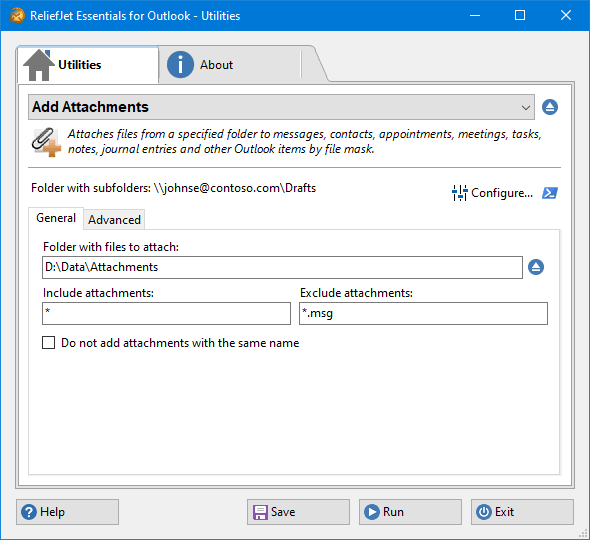 1. Add Attachments
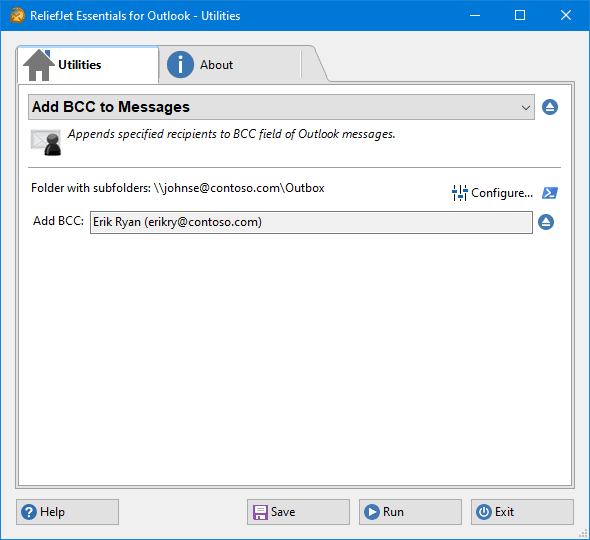 2. Add BCC to Messages
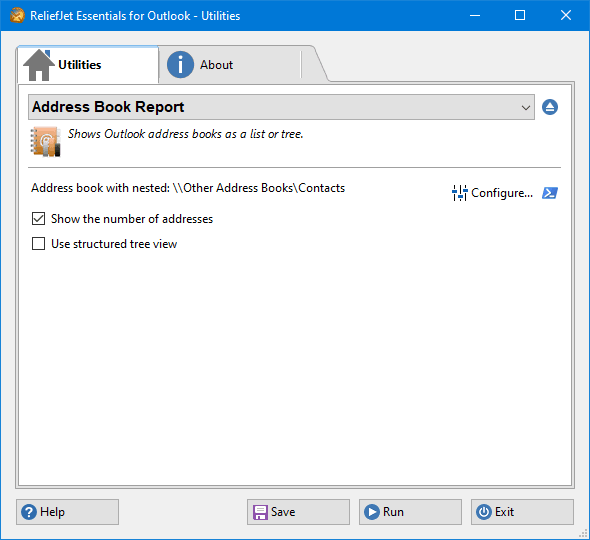 3. Address Book Report
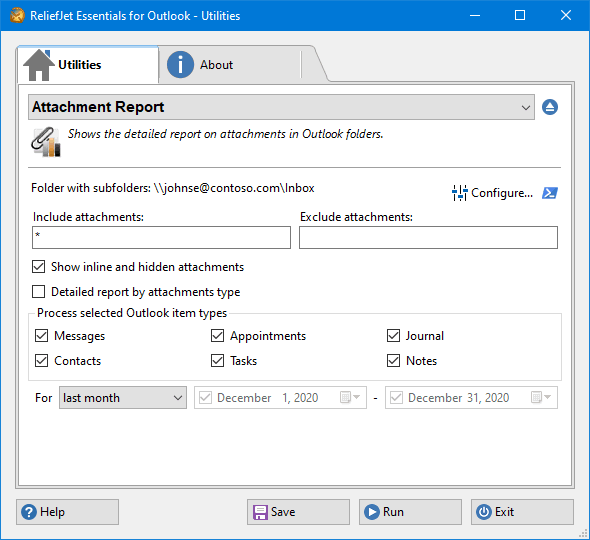 4. Attachment Report
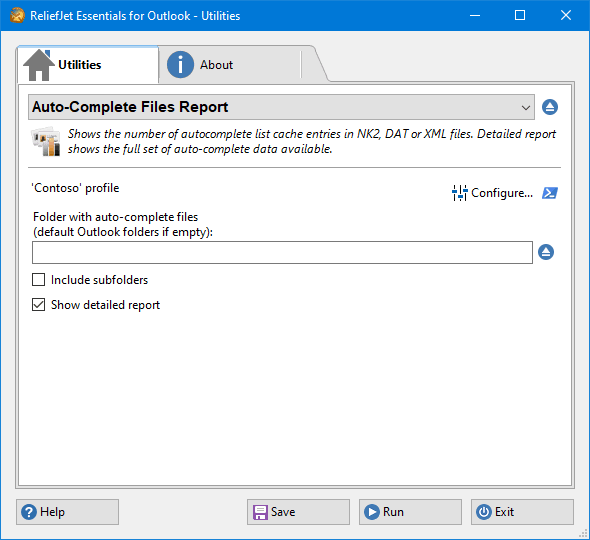 5. Auto-Complete Files Report
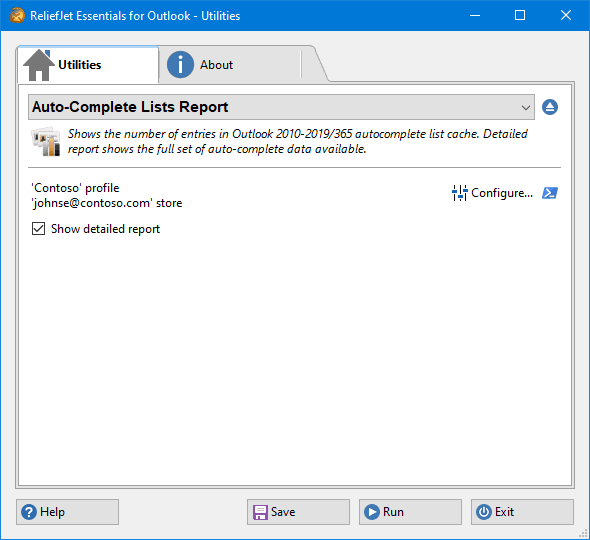 6. Auto-Complete Lists Report
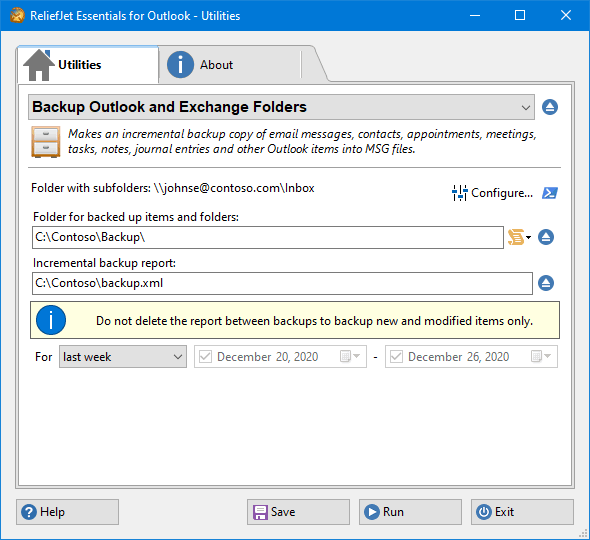 7. Backup Outlook and Exchange Folders
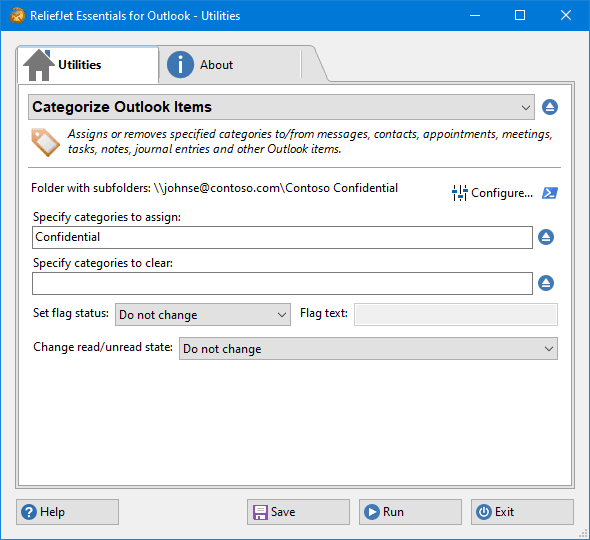 8. Categorize Outlook Items
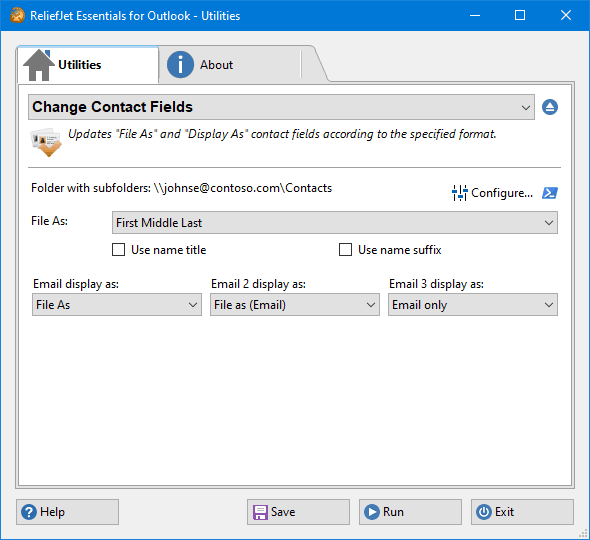 9. Change Contact Fields
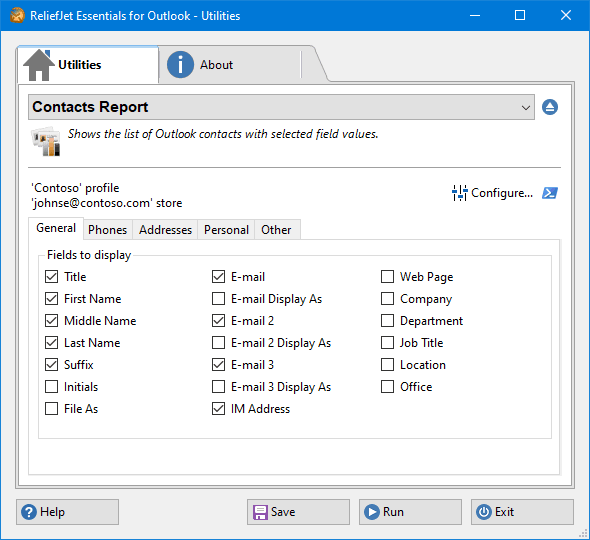 10. Contacts Report
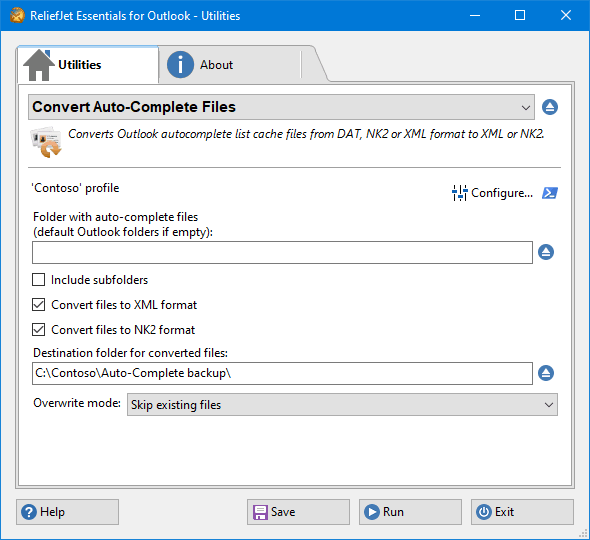 11. Convert Auto-Complete Files
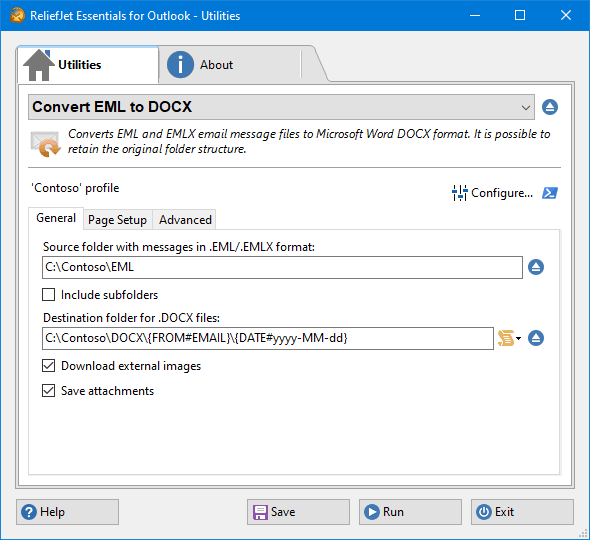 12. Convert EML to DOCX
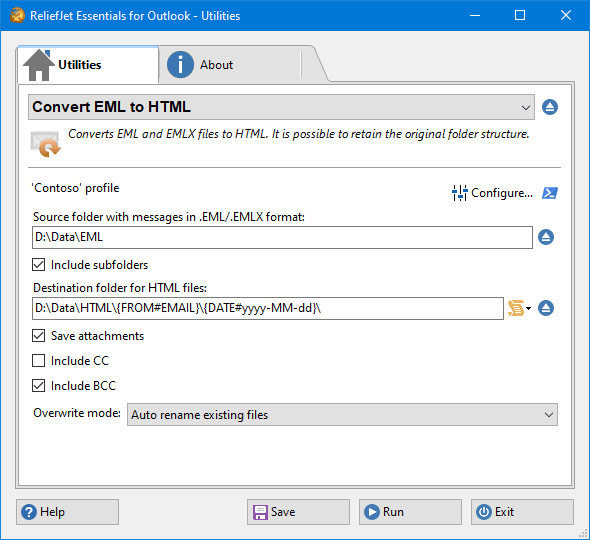 13. Convert EML to HTML
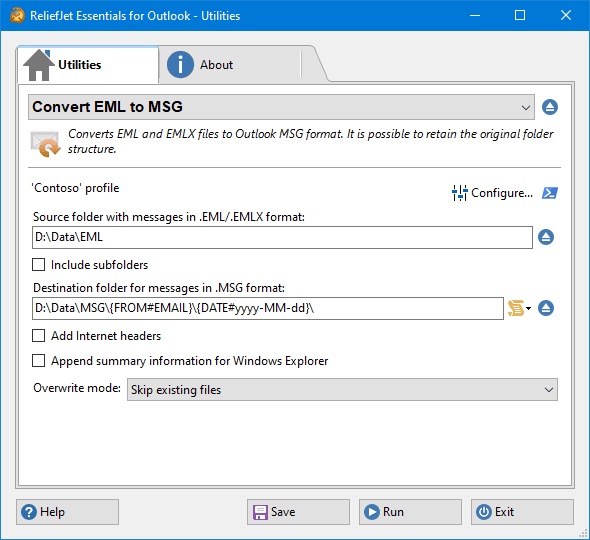 14. Convert EML to MSG
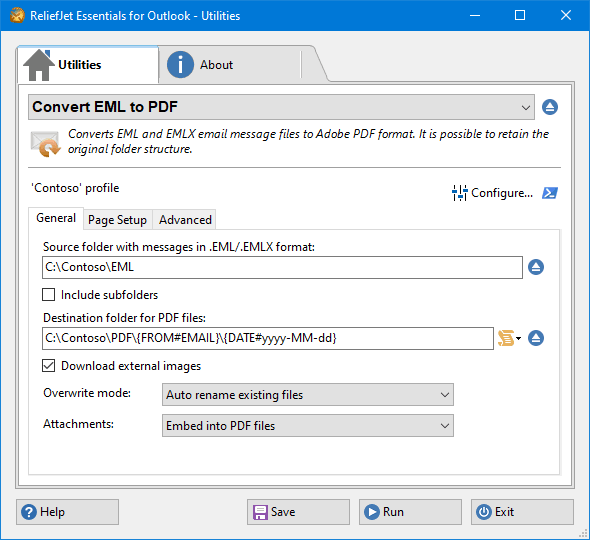 15. Convert EML to PDF
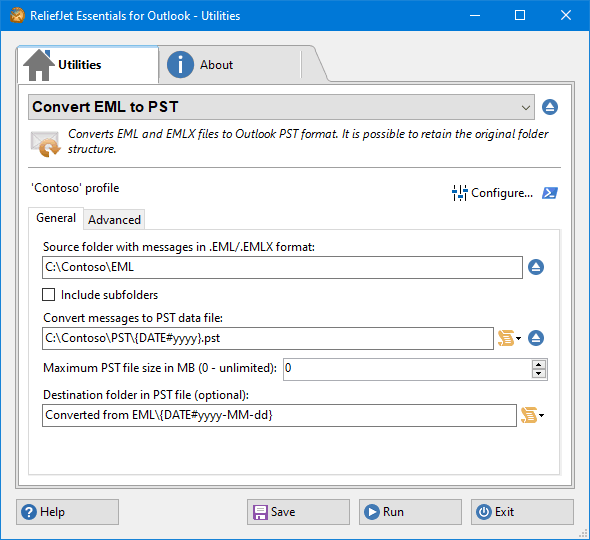 16. Convert EML to PST
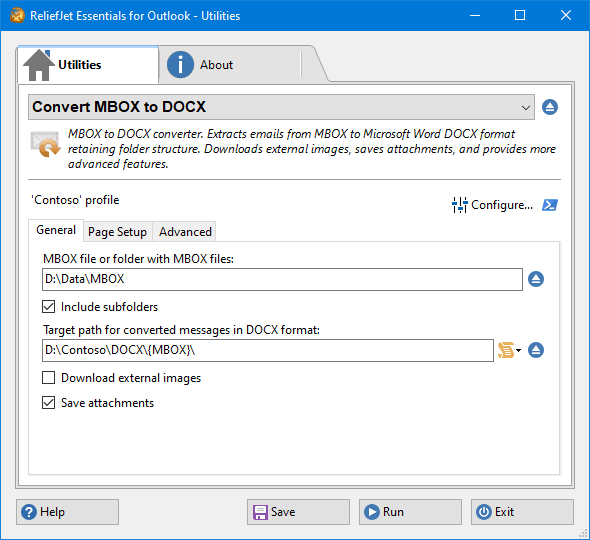 17. Convert MBOX to DOCX
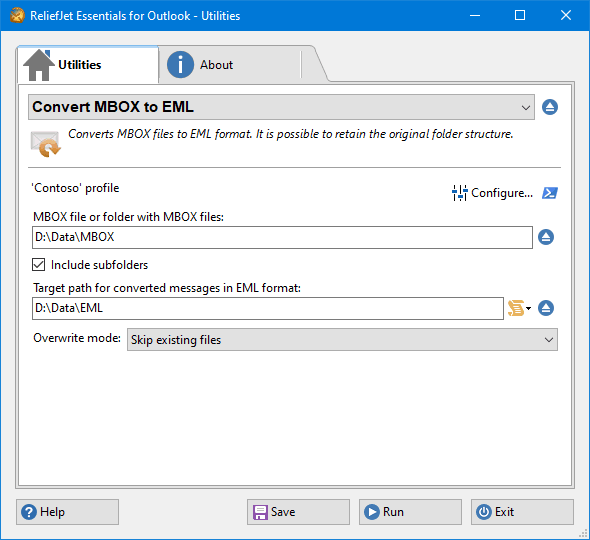 18. Convert MBOX to EML
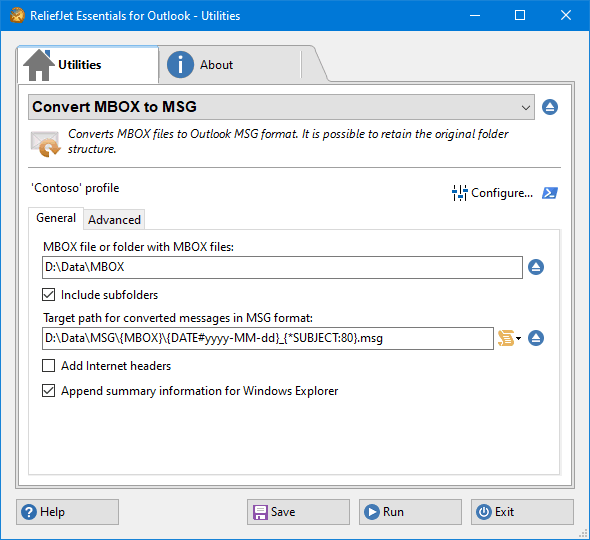 19. Convert MBOX to MSG
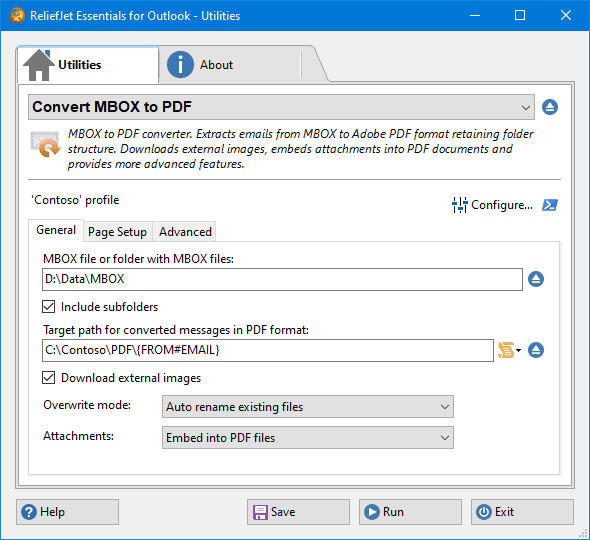 20. Convert MBOX to PDF
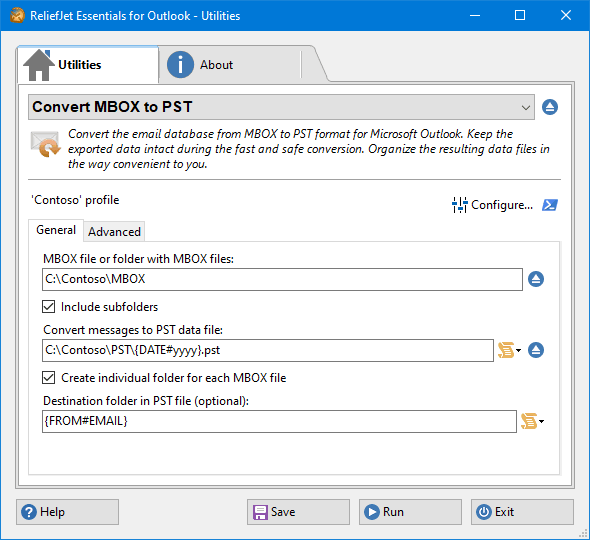 21. Convert MBOX to PST
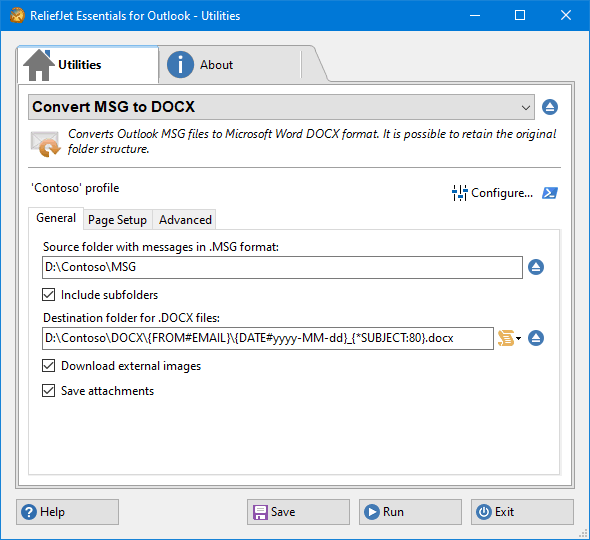 22. Convert MSG to DOCX
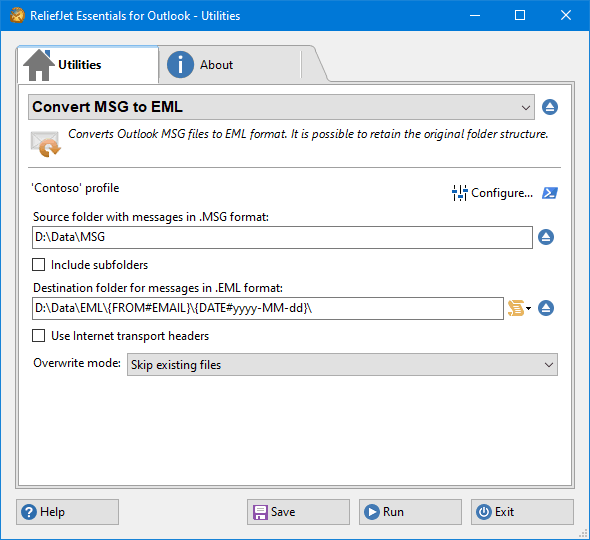 23. Convert MSG to EML
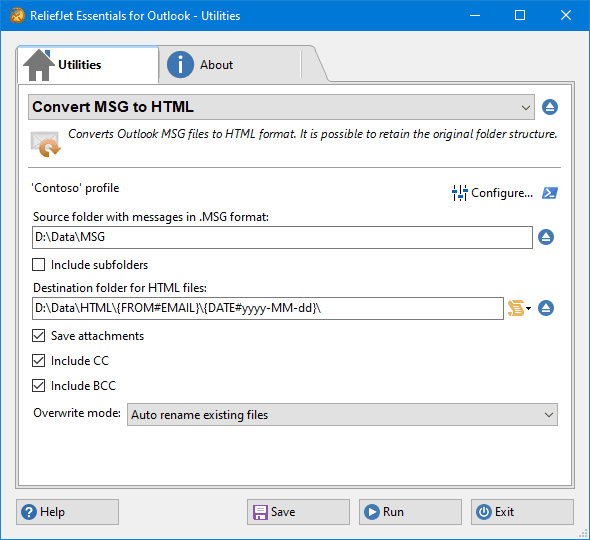 24. Convert MSG to HTML
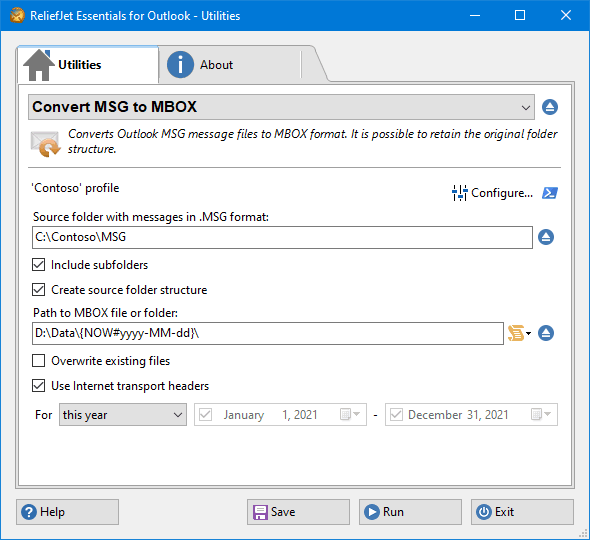 25. Convert MSG to MBOX
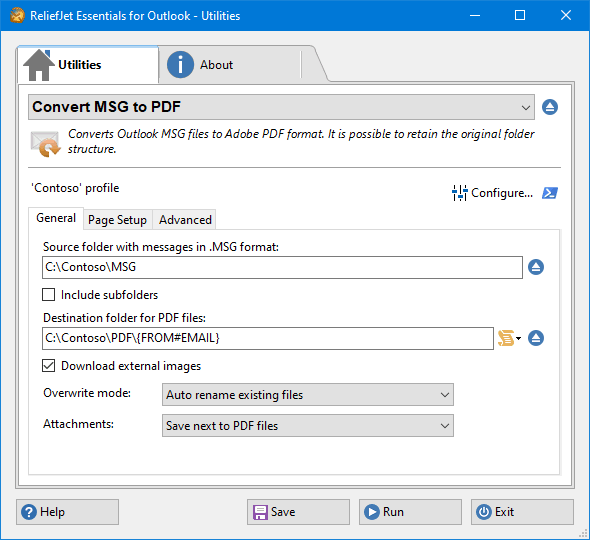 26. Convert MSG to PDF
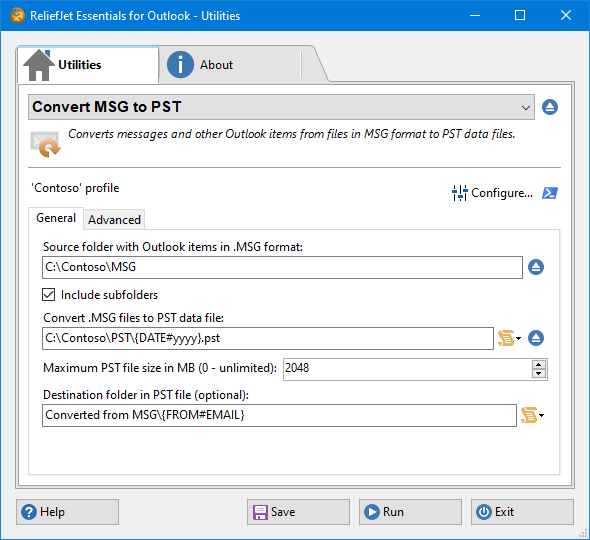 27. Convert MSG to PST
 28. Convert OST to EML
 29. Convert OST to MBOX
 30. Convert OST to MSG
 31. Convert OST to PST
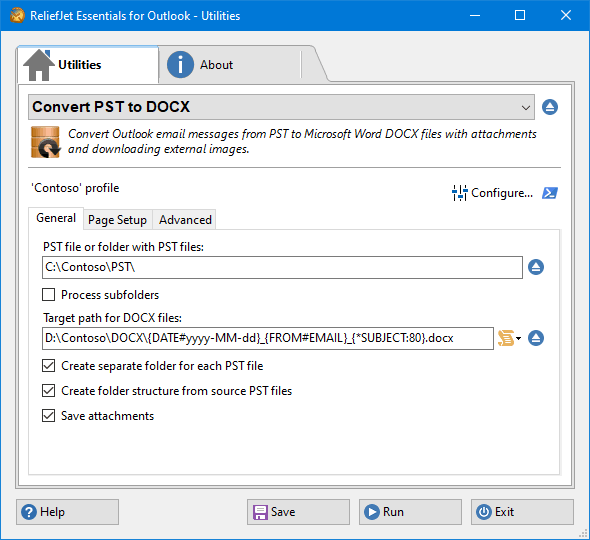 32. Convert PST to DOCX
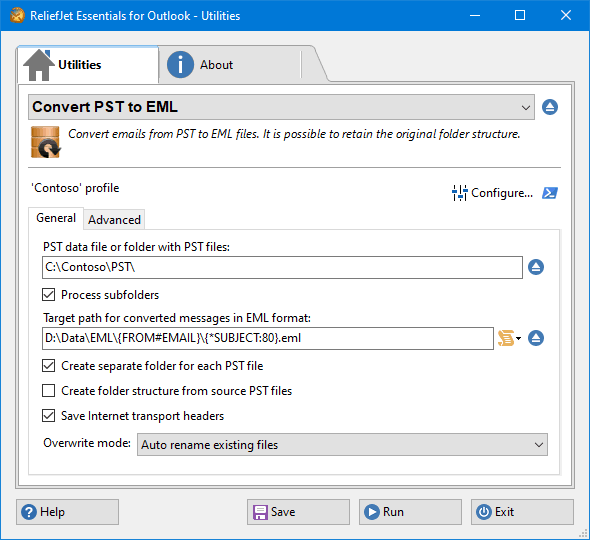 33. Convert PST to EML
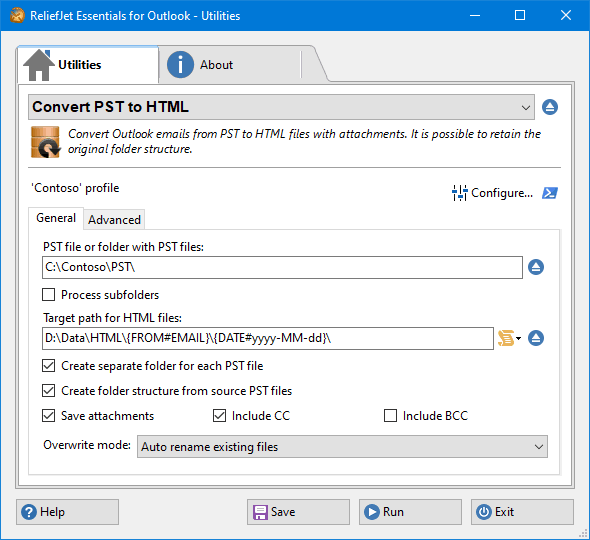 34. Convert PST to HTML
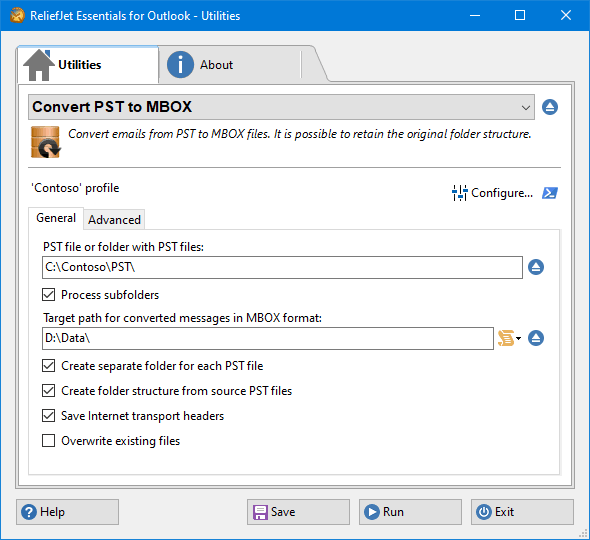 35. Convert PST to MBOX
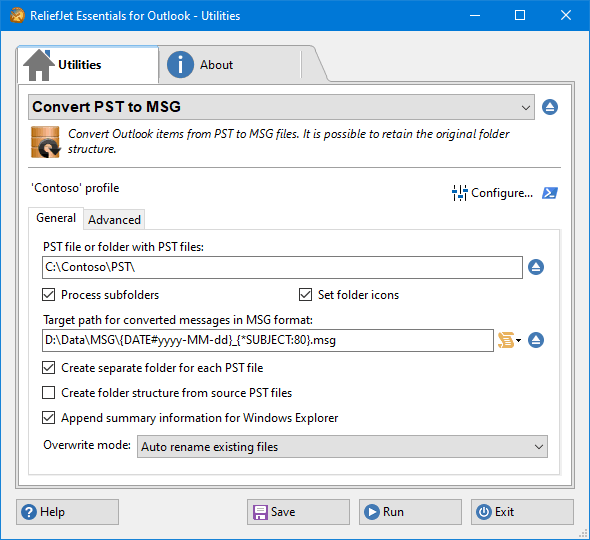 36. Convert PST to MSG
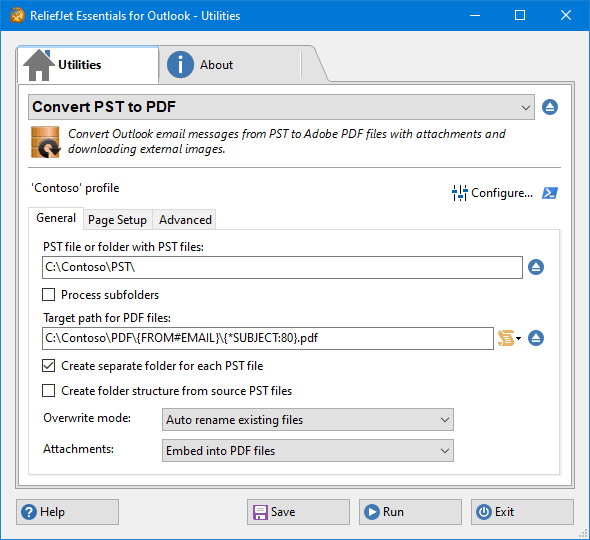 37. Convert PST to PDF
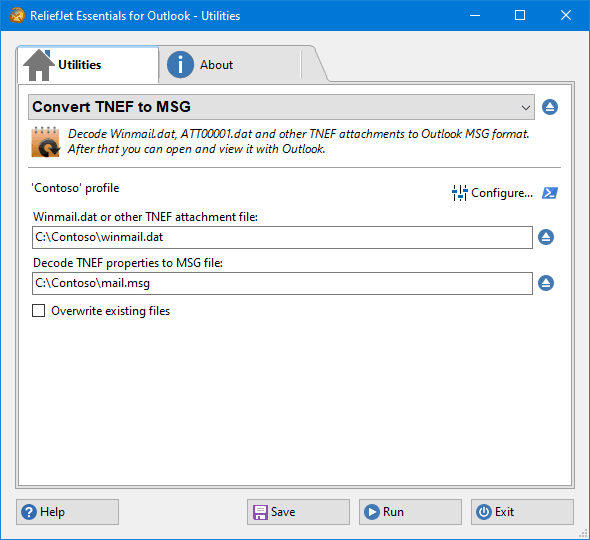 38. Convert TNEF to MSG
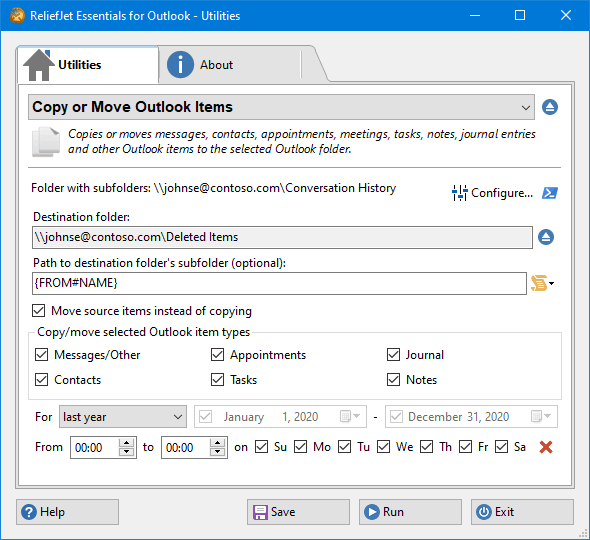 39. Copy or Move Outlook Items
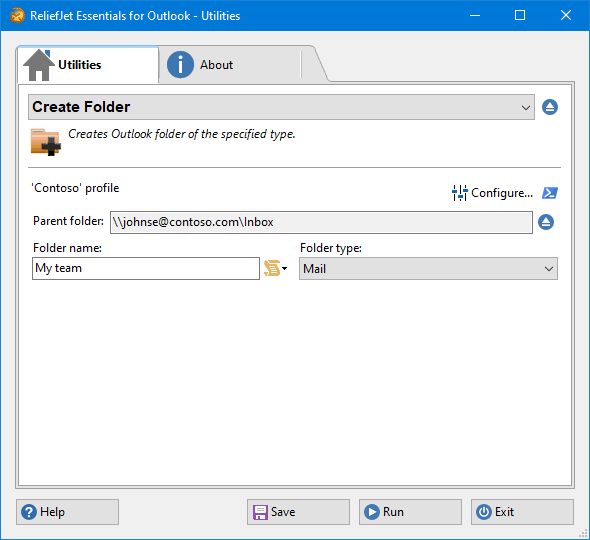 40. Create Folder
 41. Create Message
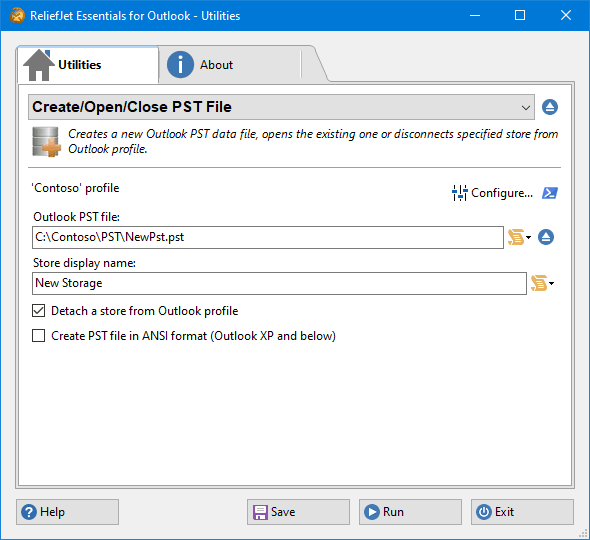 42. Create/Open/Close PST File
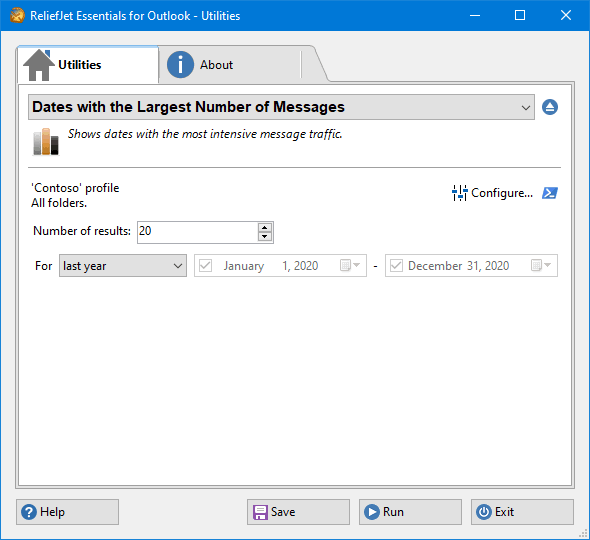 43. Dates with the Largest Number of Messages
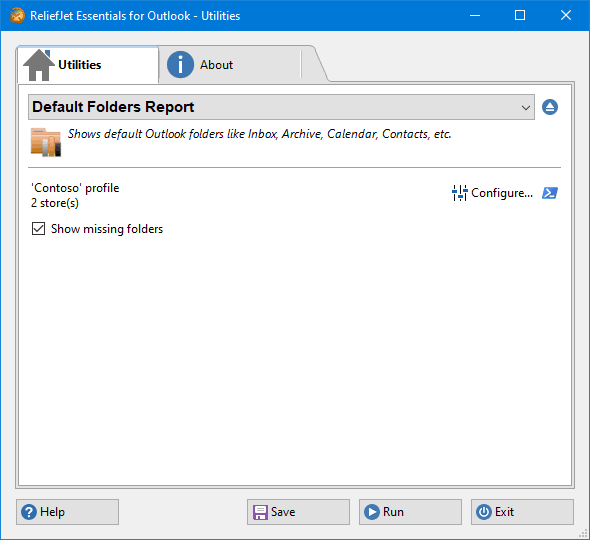 44. Default Folders Report
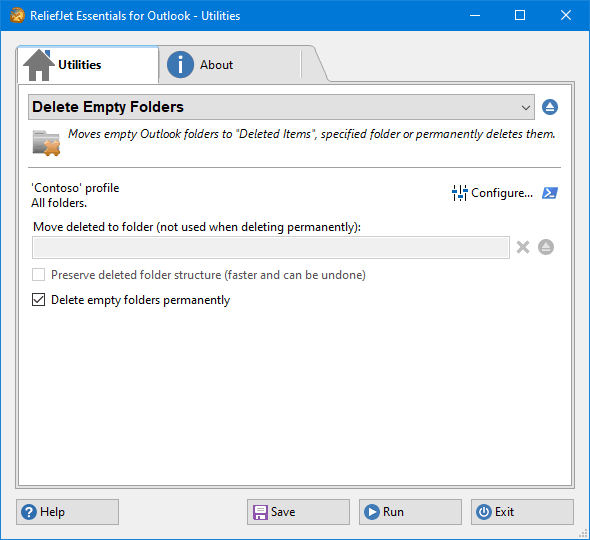 45. Delete Empty Folders
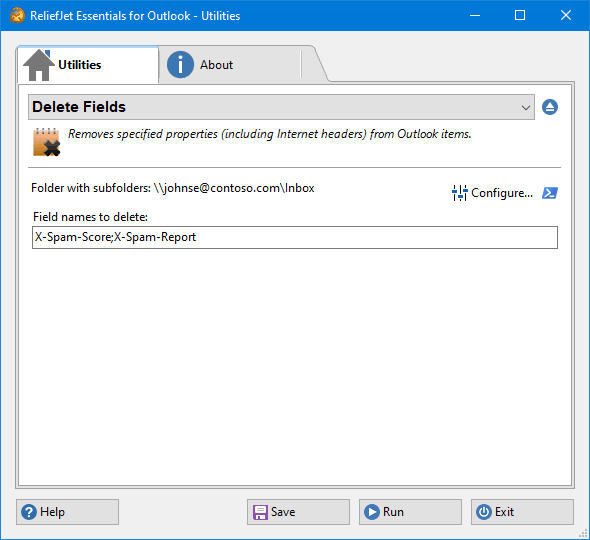 46. Delete Fields
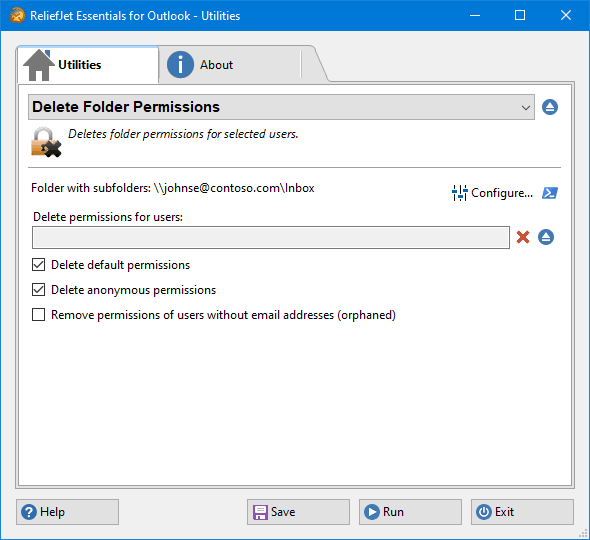 47. Delete Folder Permissions
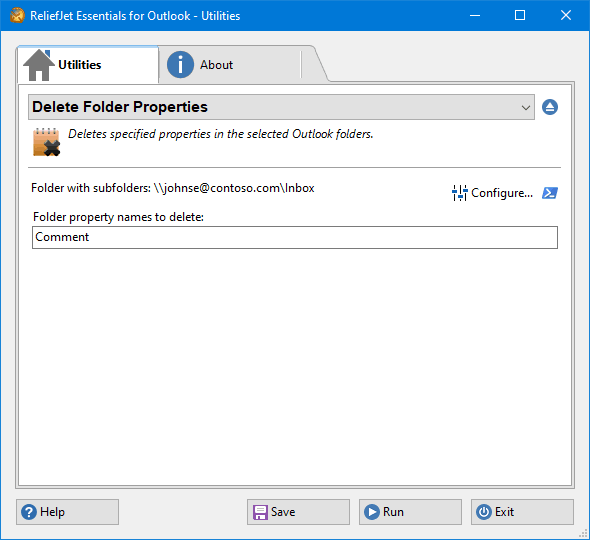 48. Delete Folder Properties
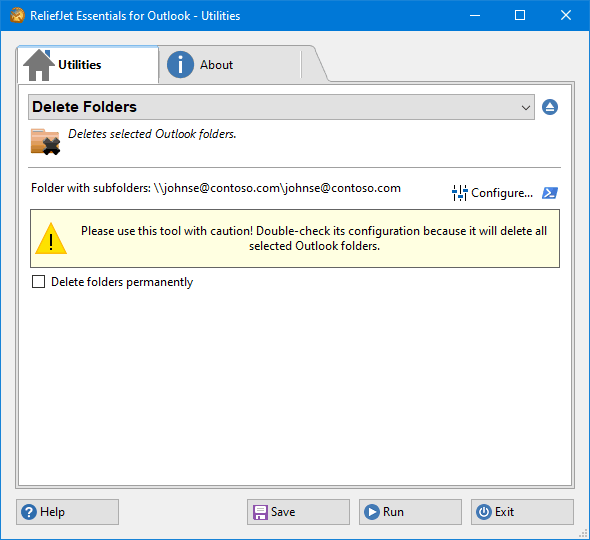 49. Delete Folders
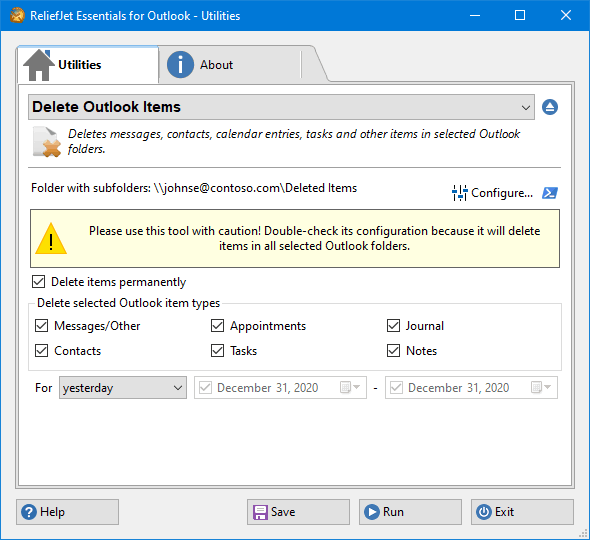 50. Delete Outlook Items
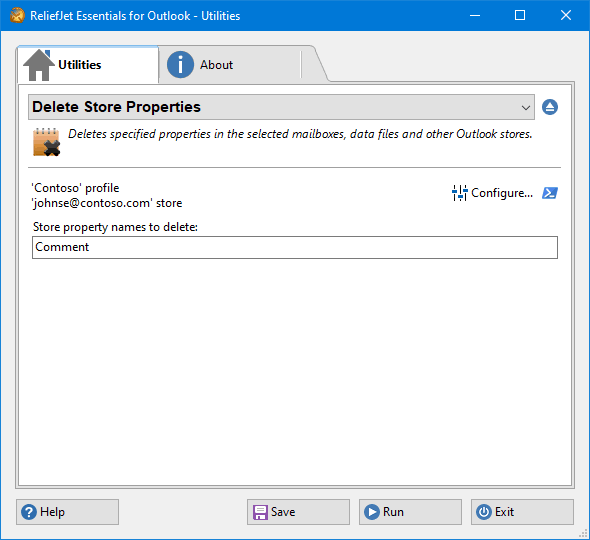 51. Delete Store Properties
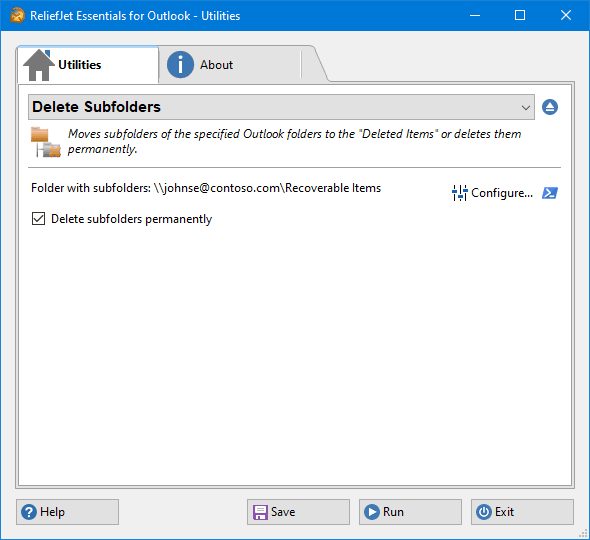 52. Delete Subfolders
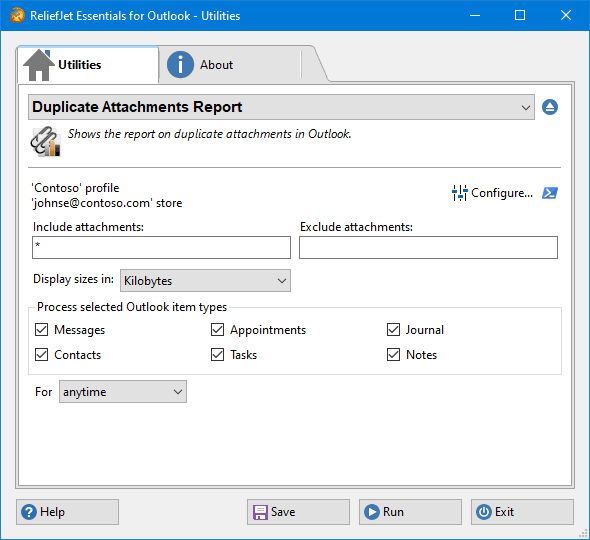 53. Duplicate Attachments Report
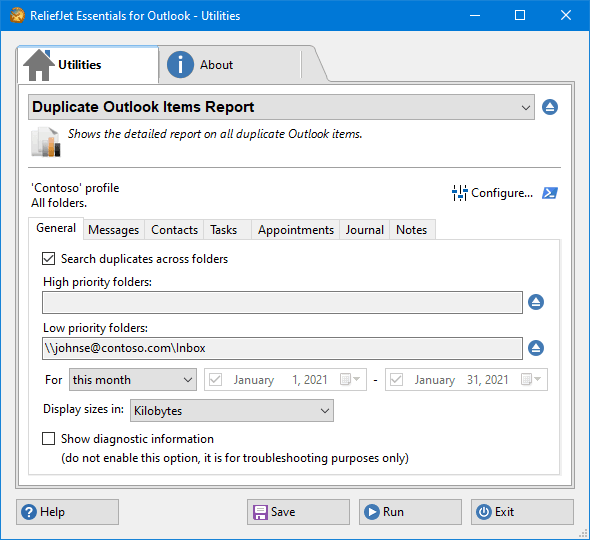 54. Duplicate Outlook Items Report
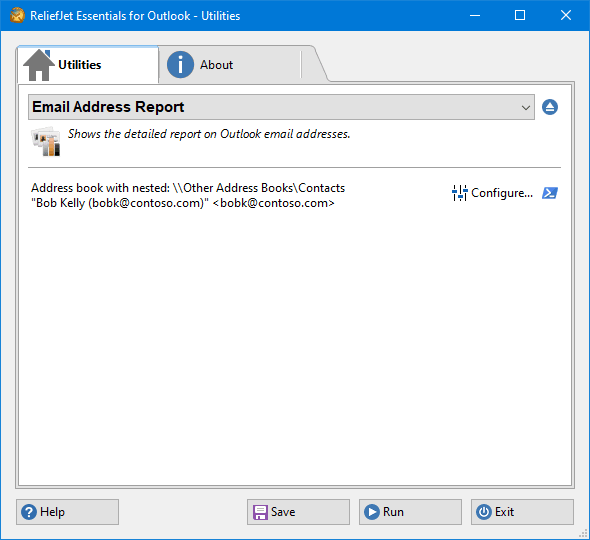 55. Email Address Report
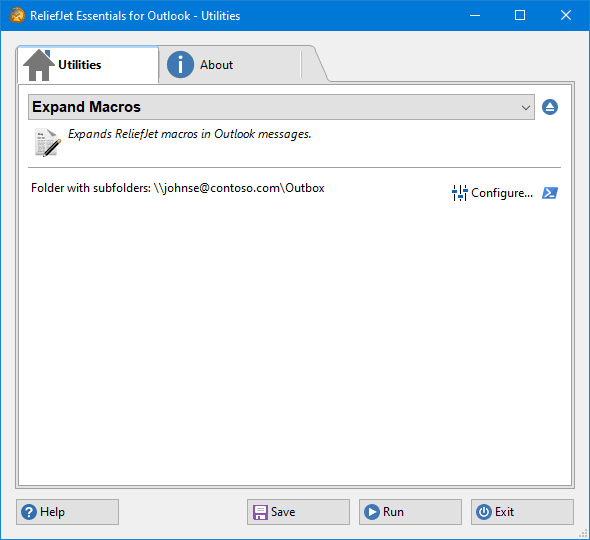 56. Expand Macros
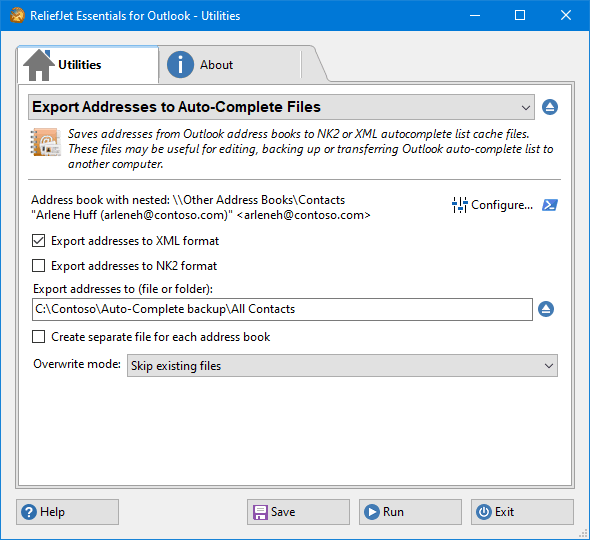 57. Export Addresses to Auto-Complete Files
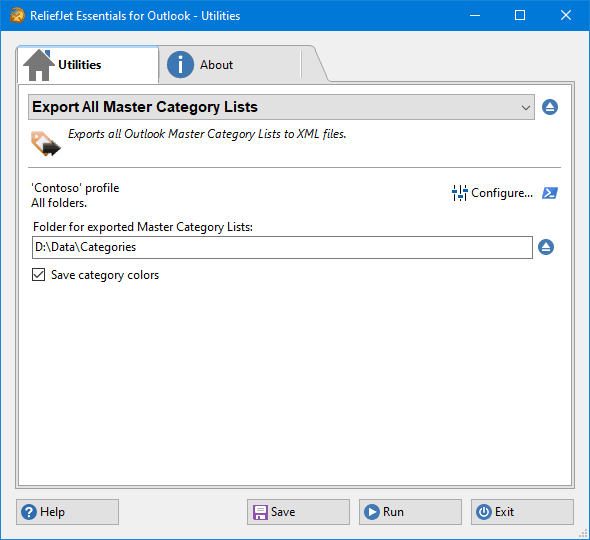 58. Export All Master Category Lists
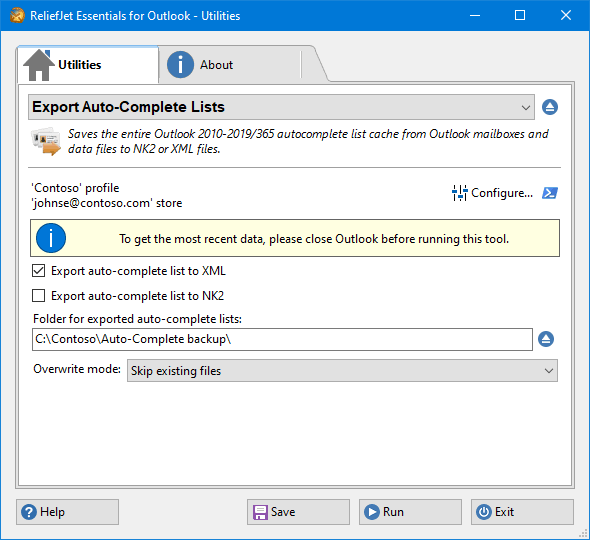 59. Export Auto-Complete Lists
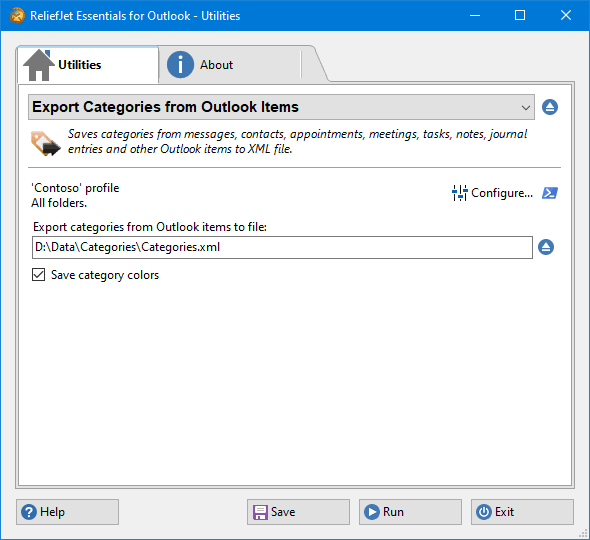 60. Export Categories from Outlook Items
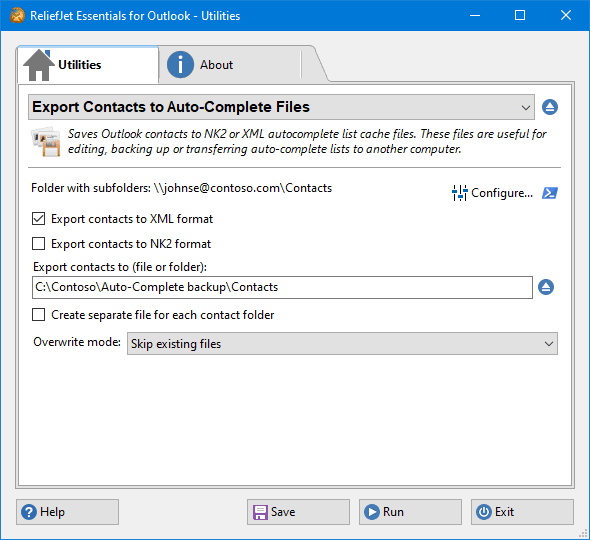 61. Export Contacts to Auto-Complete Files
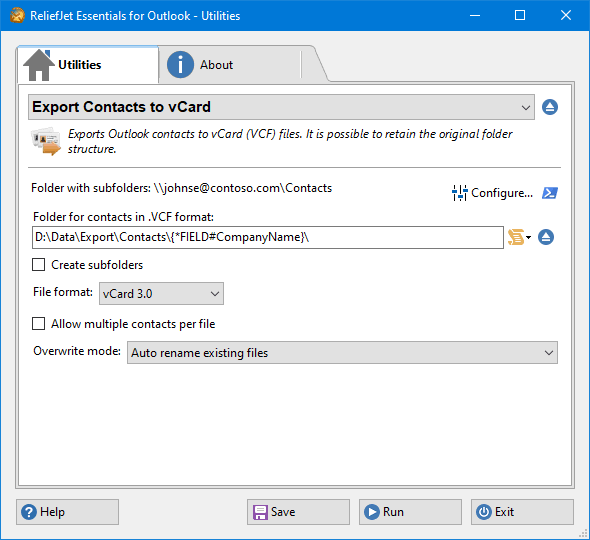 62. Export Contacts to vCard
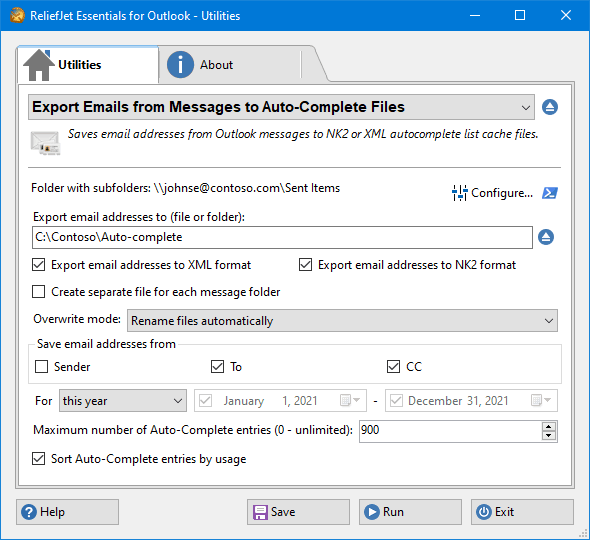 63. Export Emails from Messages to Auto-Complete Files
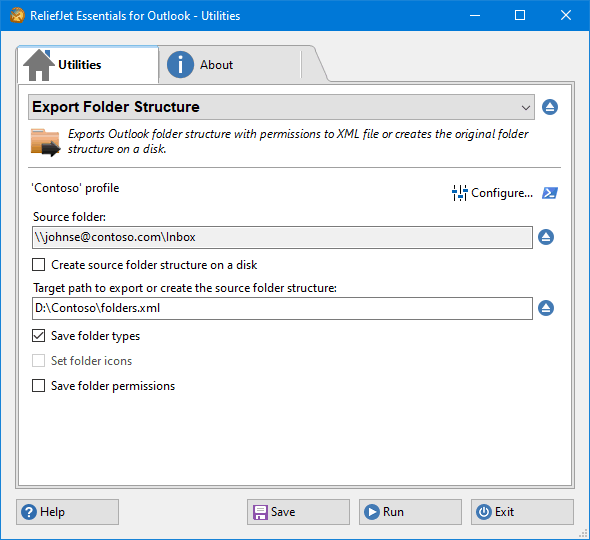 64. Export Folder Structure
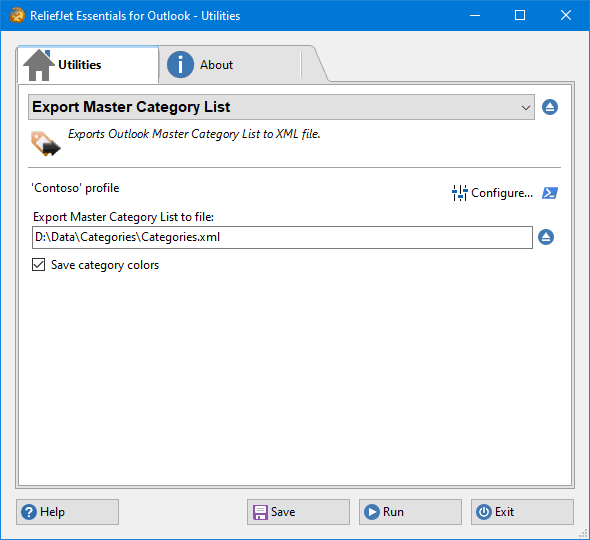 65. Export Master Category List
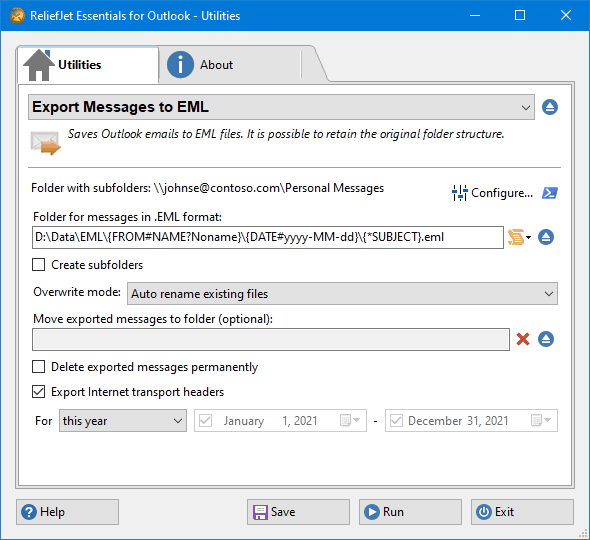 66. Export Messages to EML
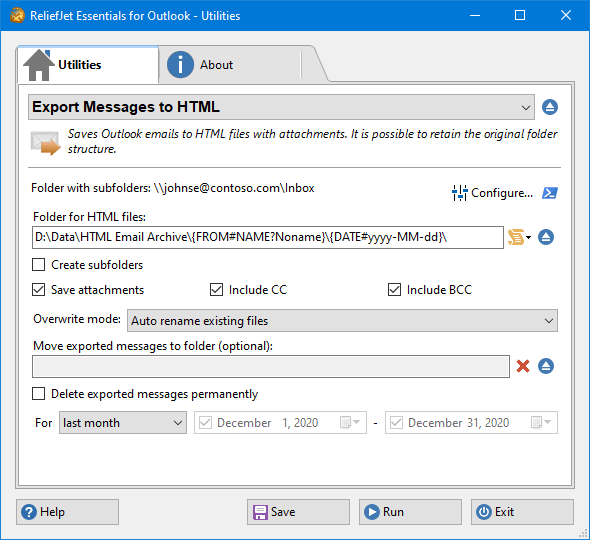 67. Export Messages to HTML
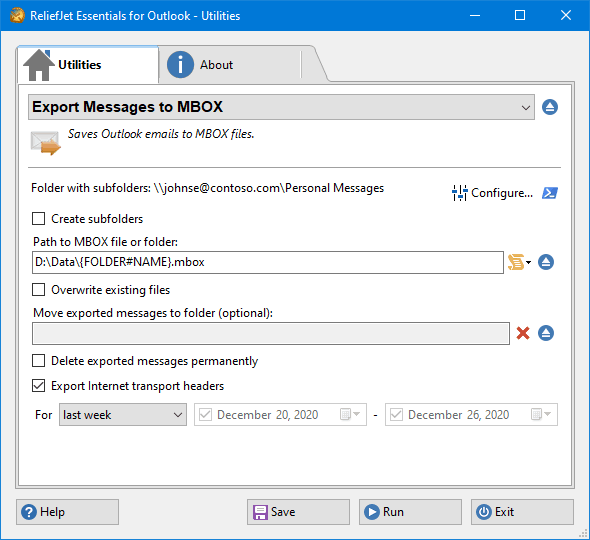 68. Export Messages to MBOX
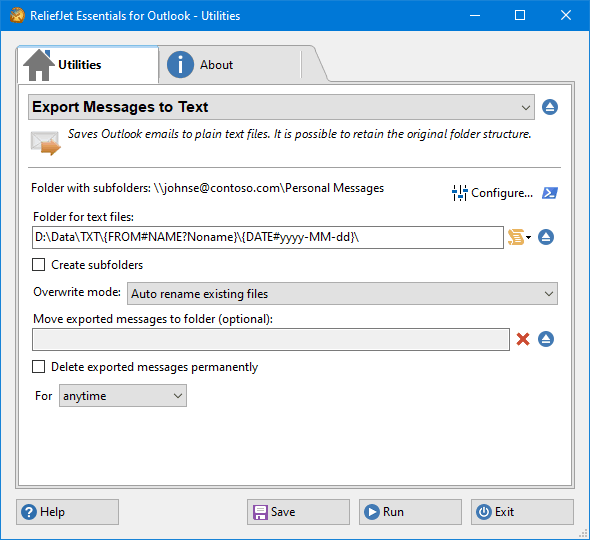 69. Export Messages to Text
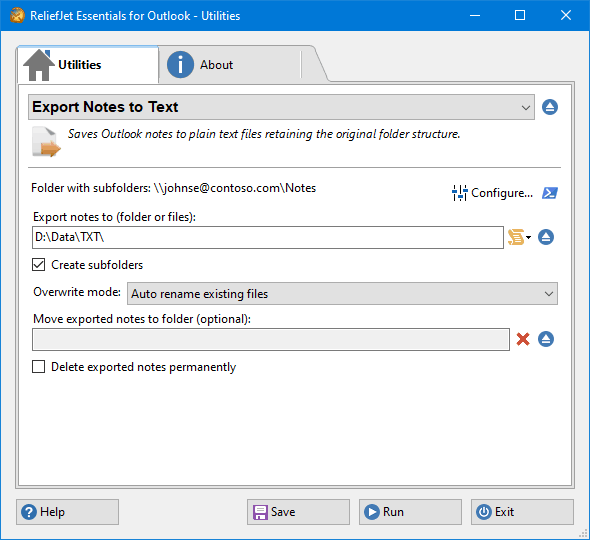 70. Export Notes to Text
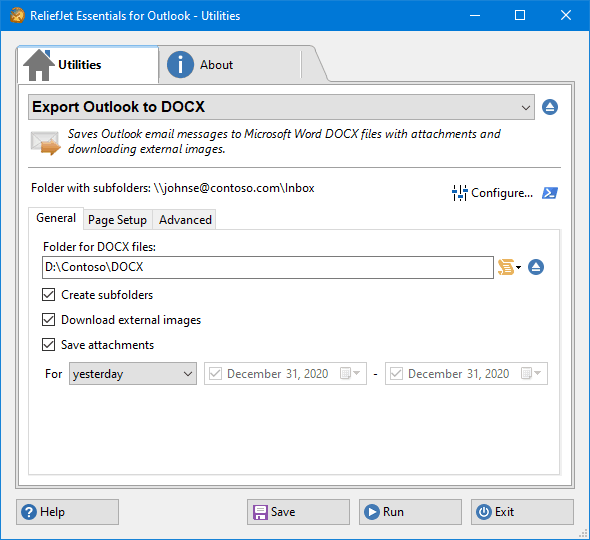 71. Export Outlook to DOCX
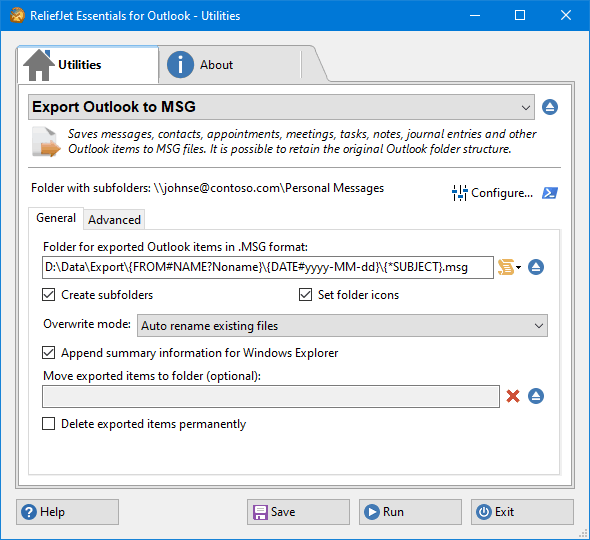 72. Export Outlook to MSG
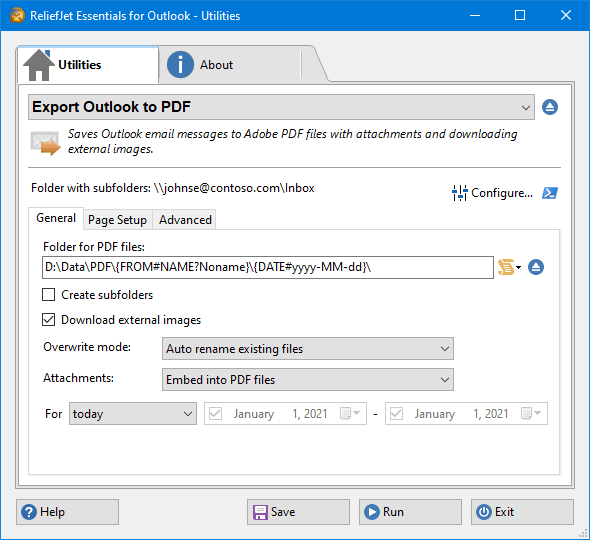 73. Export Outlook to PDF
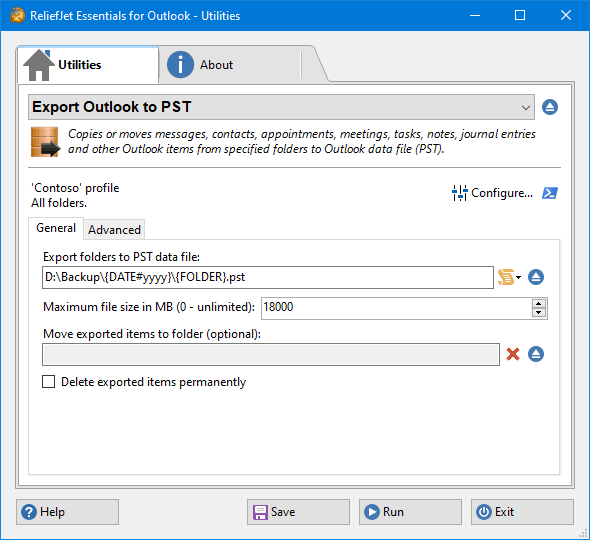 74. Export Outlook to PST
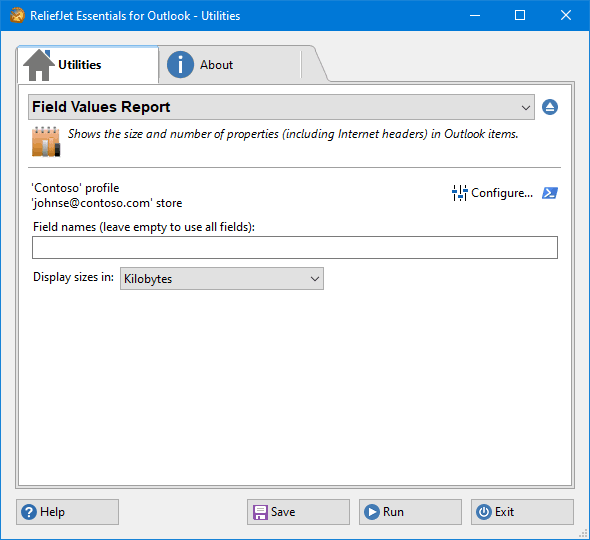 75. Field Values Report
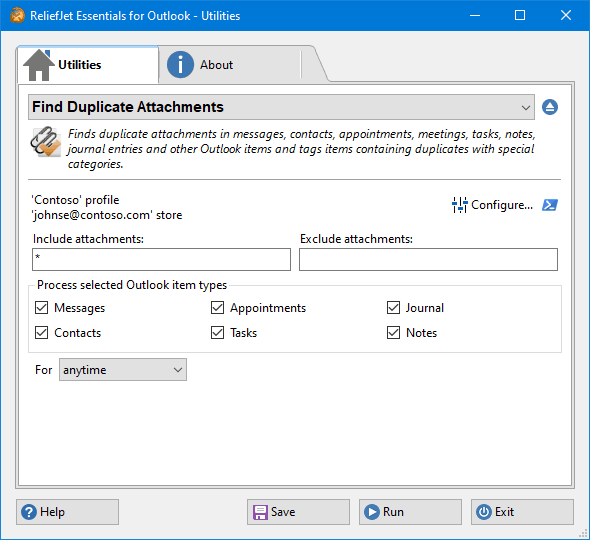 76. Find Duplicate Attachments
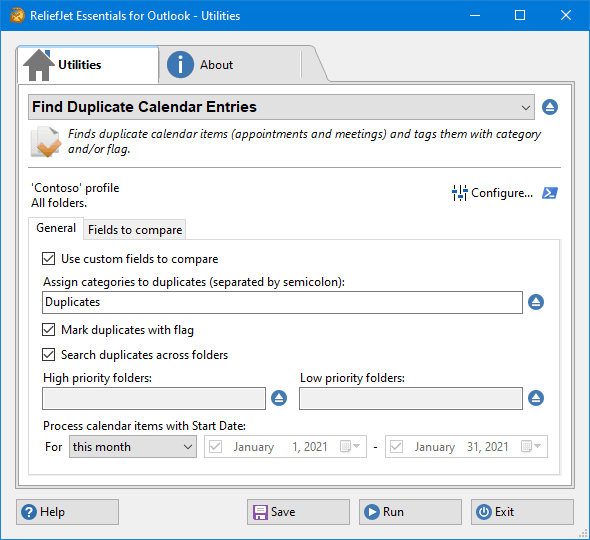 77. Find Duplicate Calendar Entries
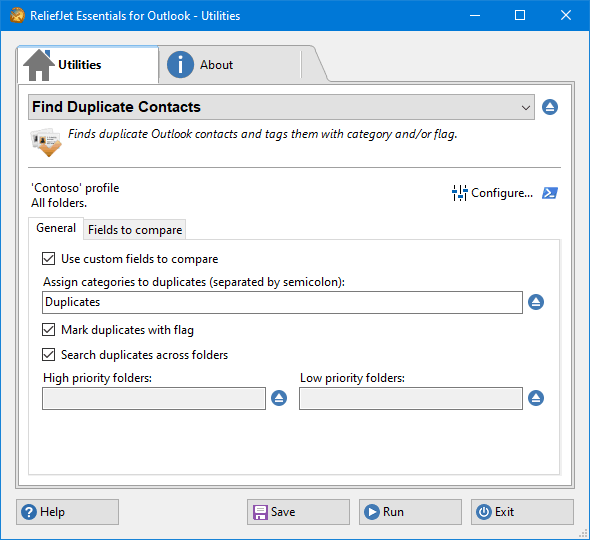 78. Find Duplicate Contacts
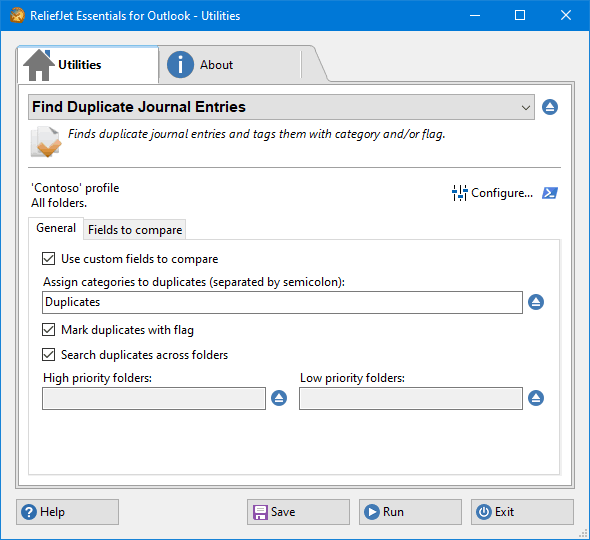 79. Find Duplicate Journal Entries
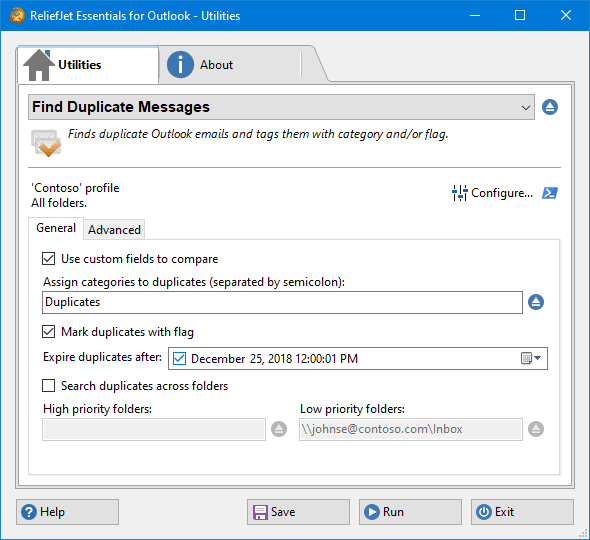 80. Find Duplicate Messages
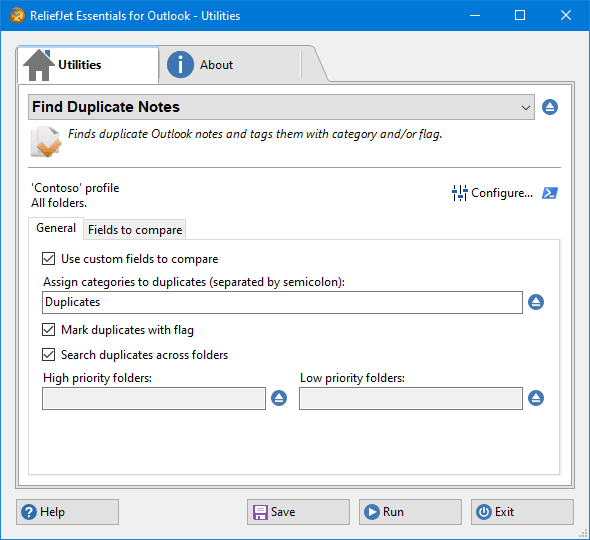 81. Find Duplicate Notes
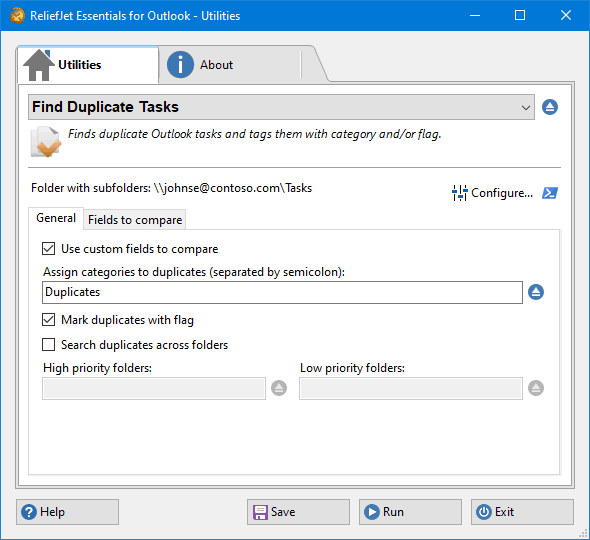 82. Find Duplicate Tasks
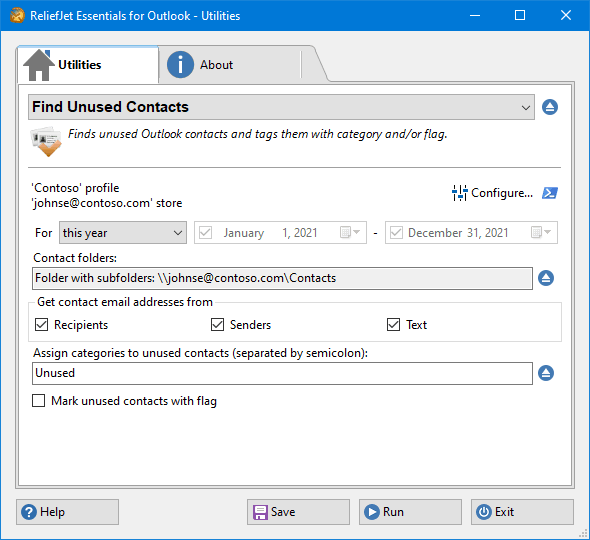 83. Find Unused Contacts
 84. First and Last Messages per Folder Report
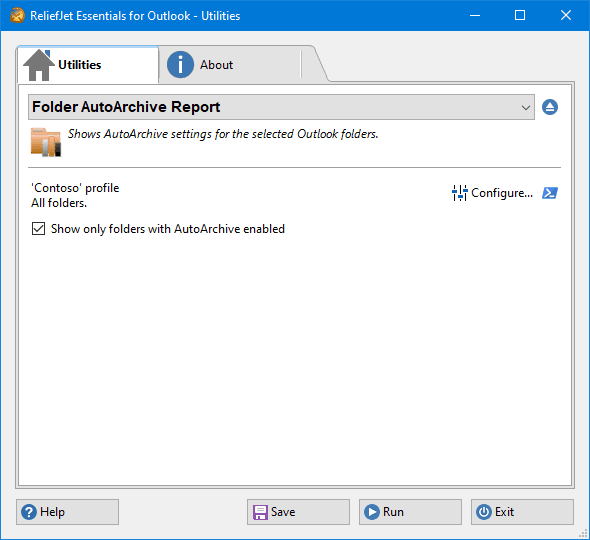 85. Folder AutoArchive Report
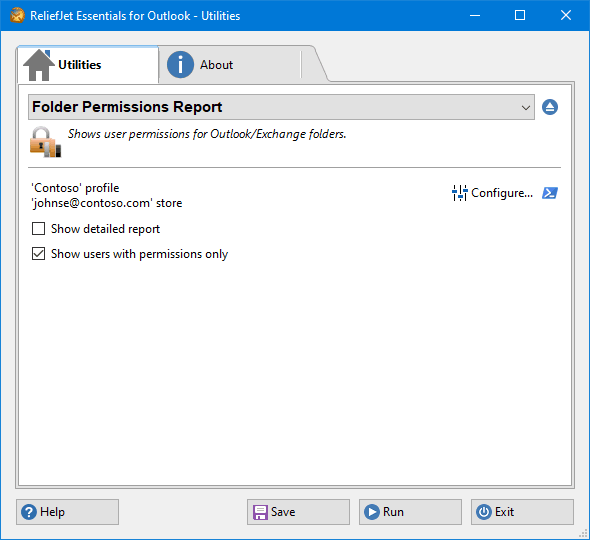 86. Folder Permissions Report
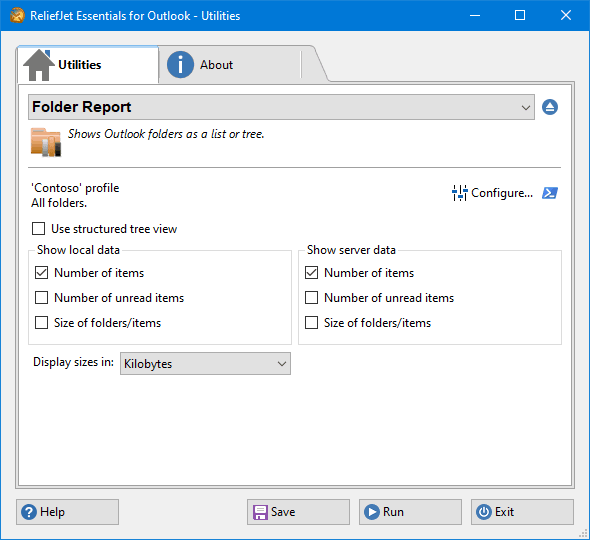 87. Folder Report
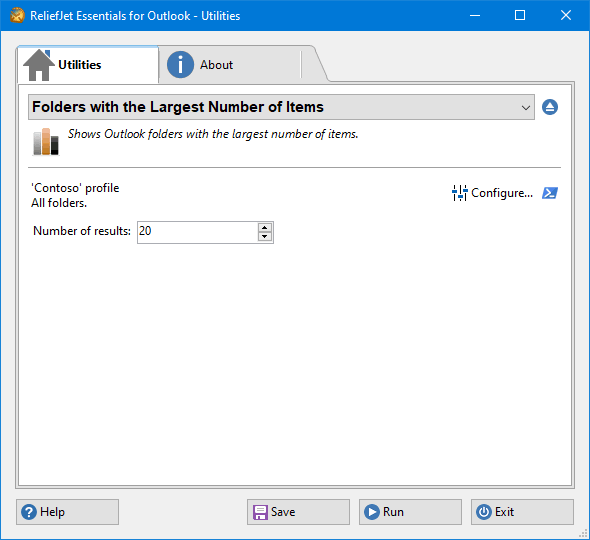 88. Folders with the Largest Number of Items
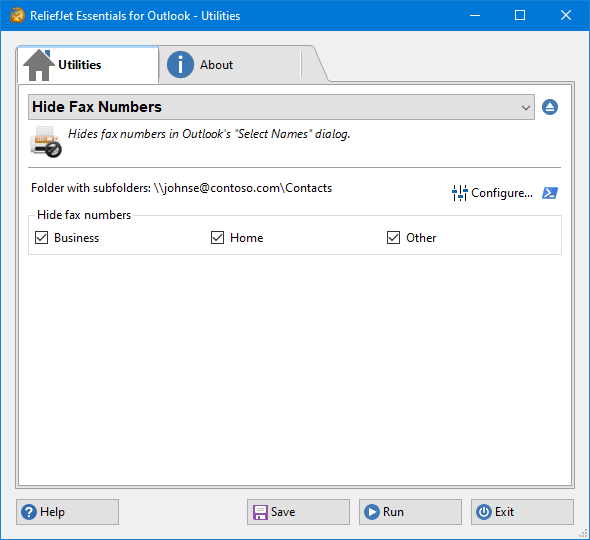 89. Hide Fax Numbers
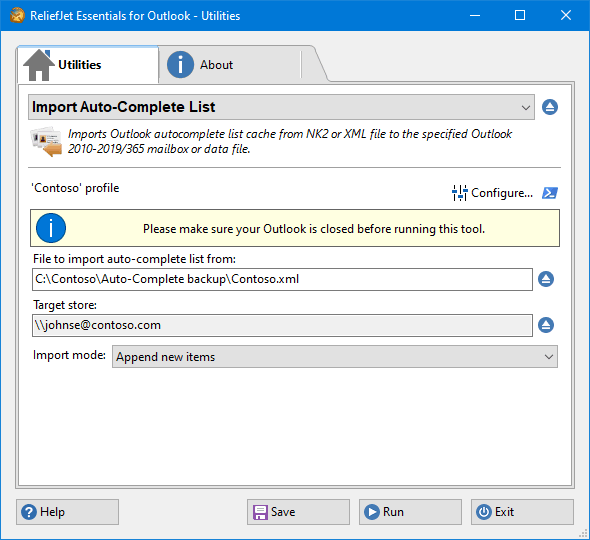 90. Import Auto-Complete List
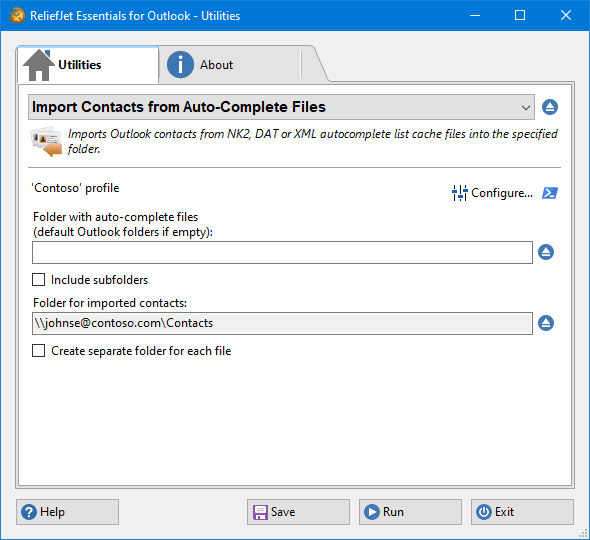 91. Import Contacts from Auto-Complete Files
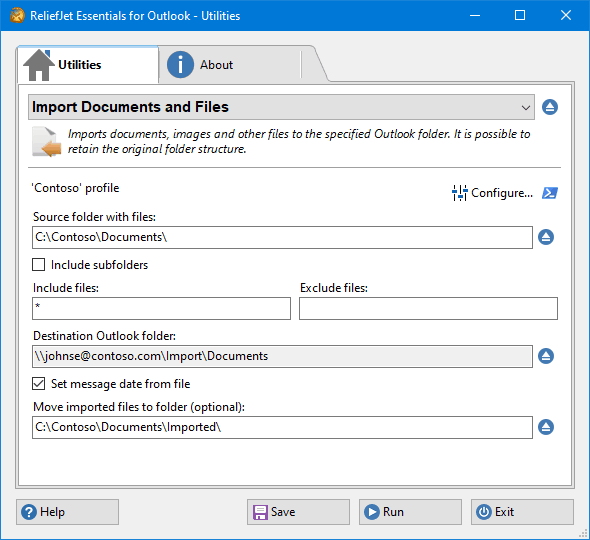 92. Import Documents and Files
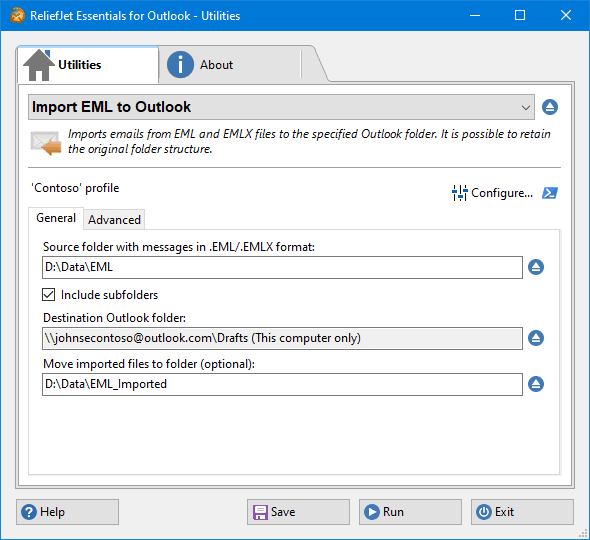 93. Import EML to Outlook
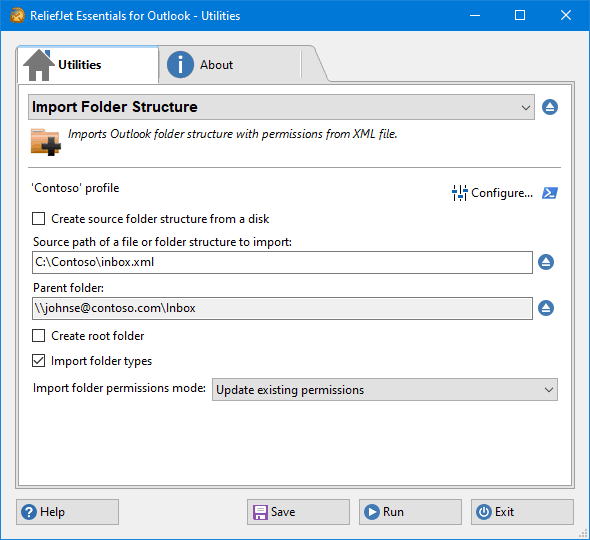 94. Import Folder Structure
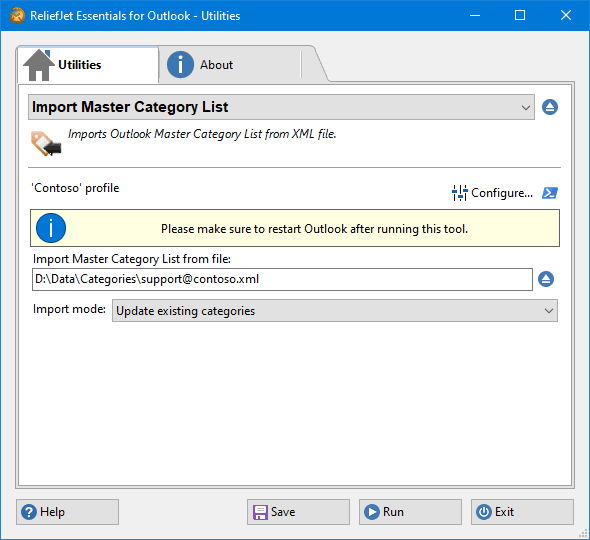 95. Import Master Category List
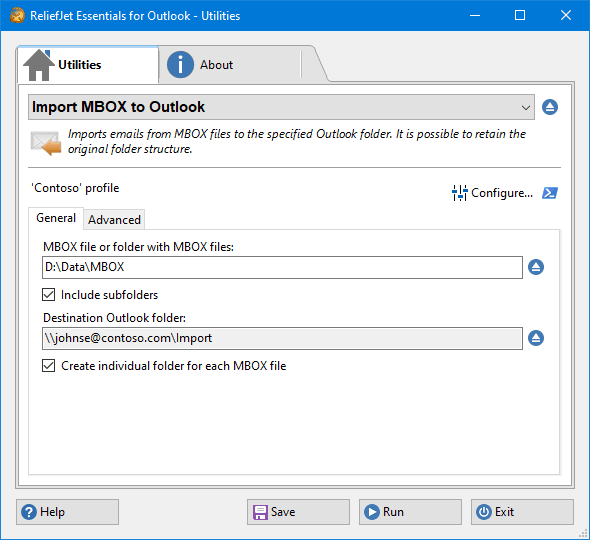 96. Import MBOX to Outlook
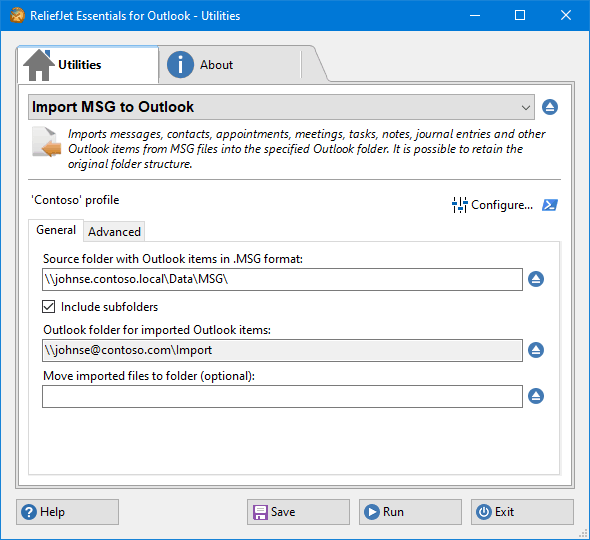 97. Import MSG to Outlook
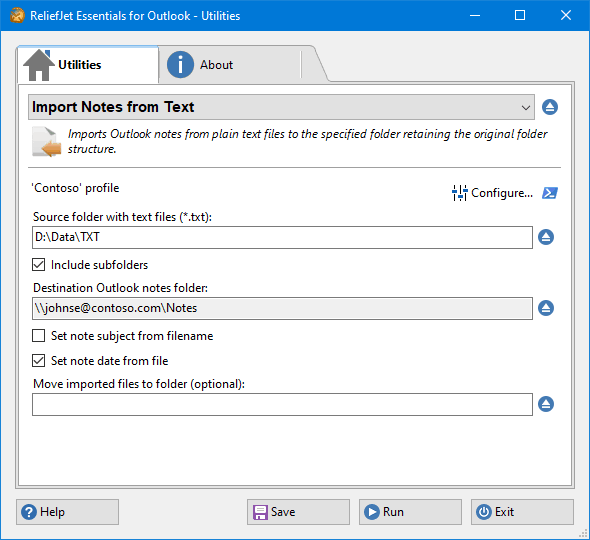 98. Import Notes from Text
 99. Import OST to Outlook
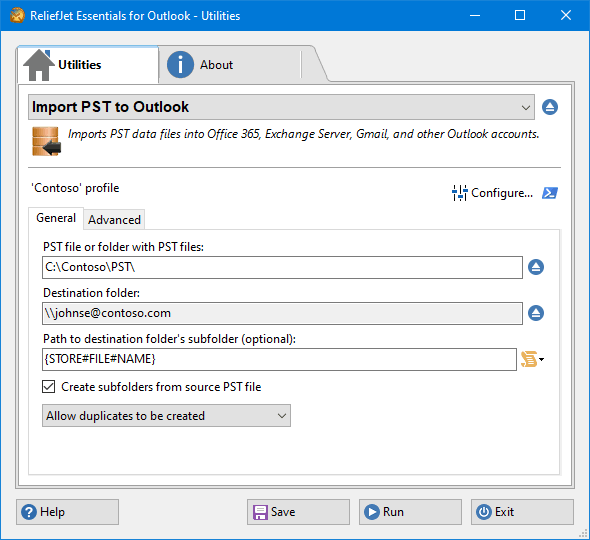 100. Import PST to Outlook
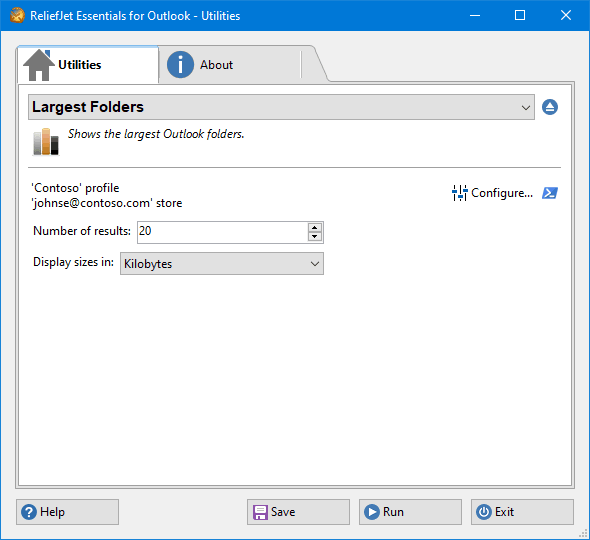 101. Largest Folders
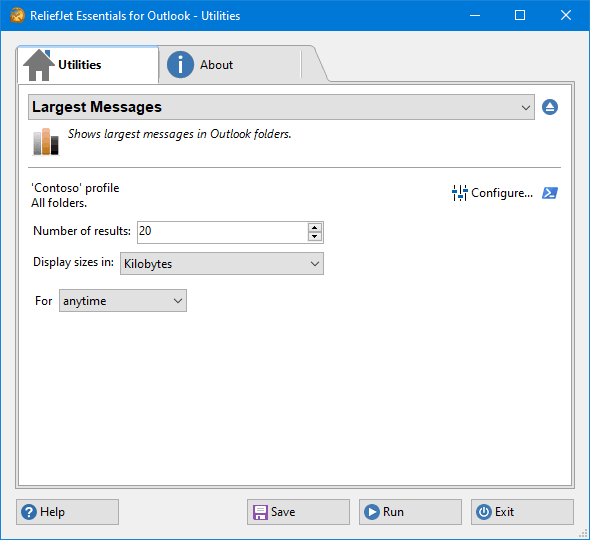 102. Largest Messages
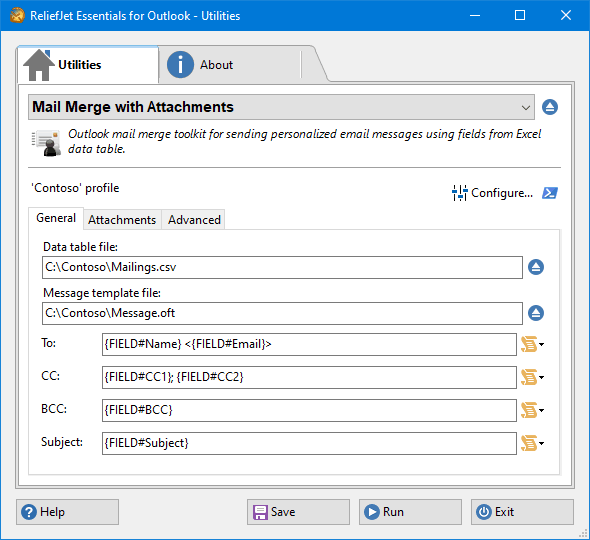 103. Mail Merge with Attachments
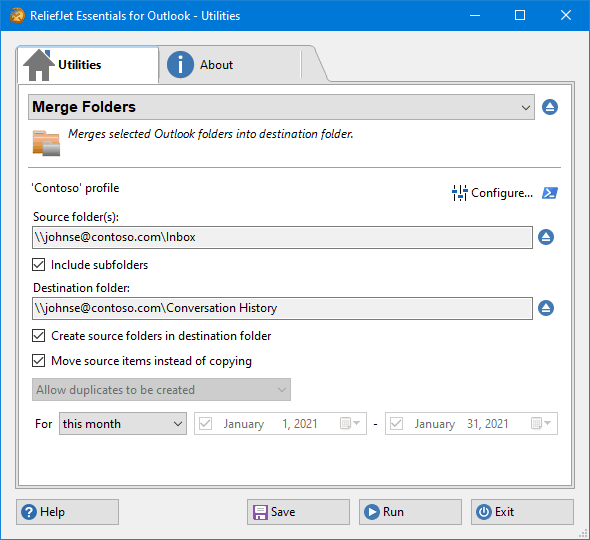 104. Merge Folders
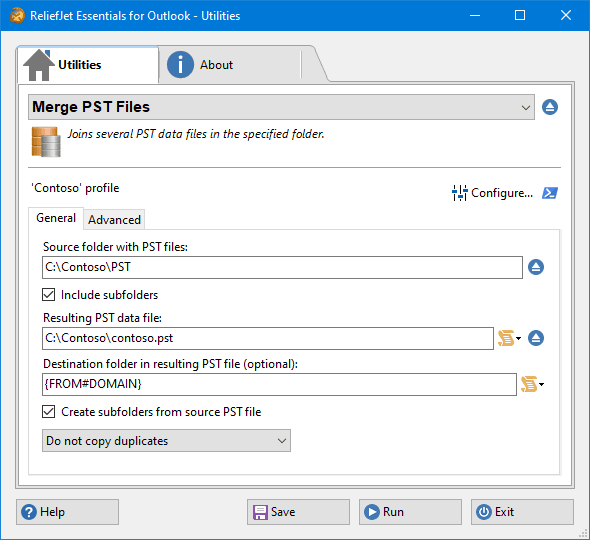 105. Merge PST Files
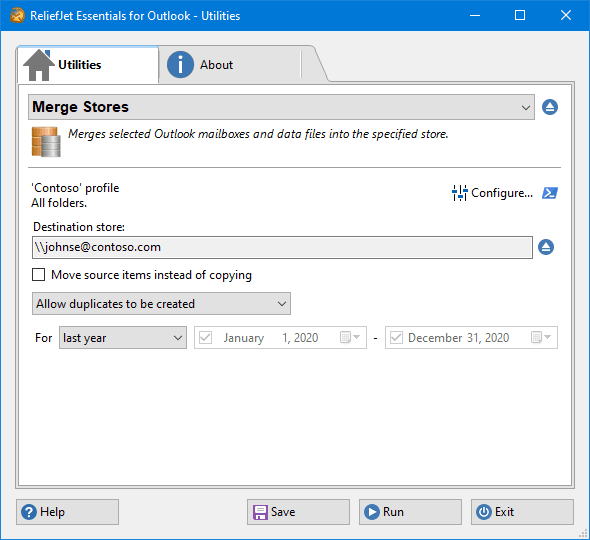 106. Merge Stores
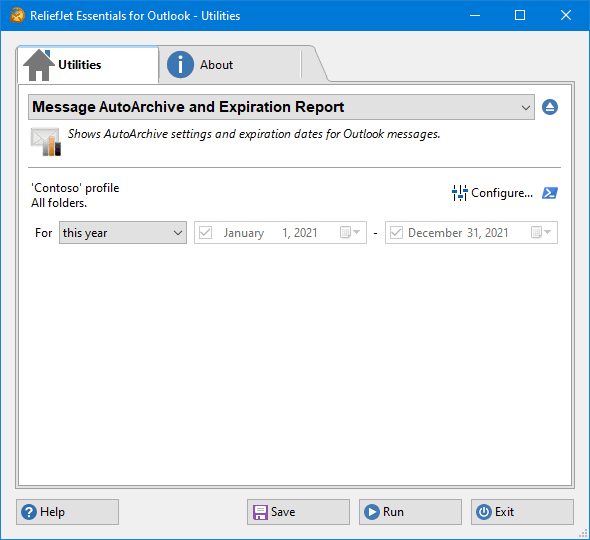 107. Message AutoArchive and Expiration Report
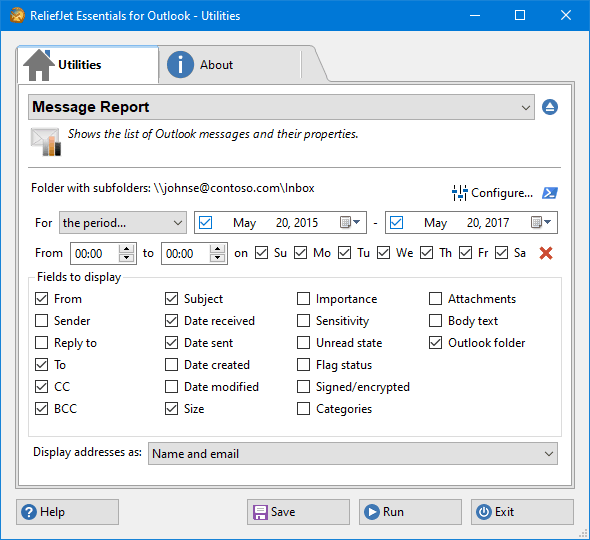 108. Message Report
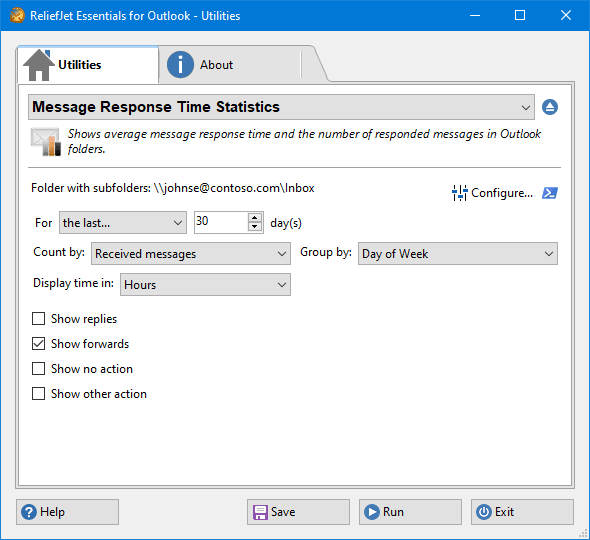 109. Message Response Time Statistics
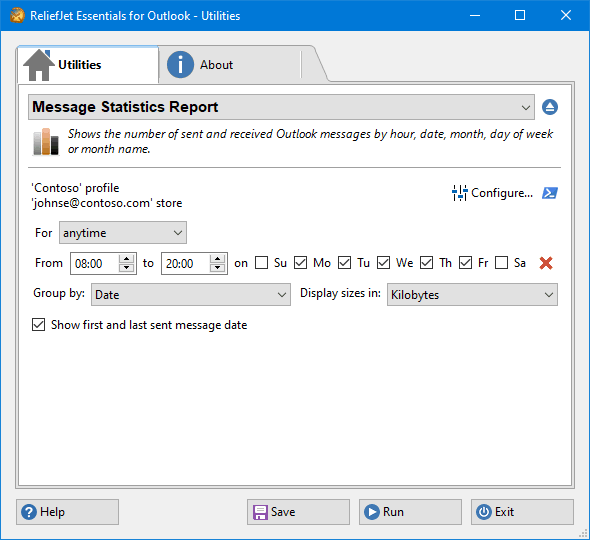 110. Message Statistics Report
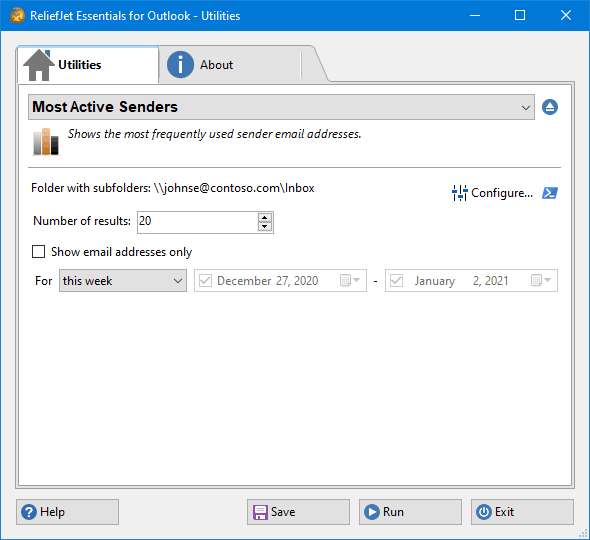 111. Most Active Senders
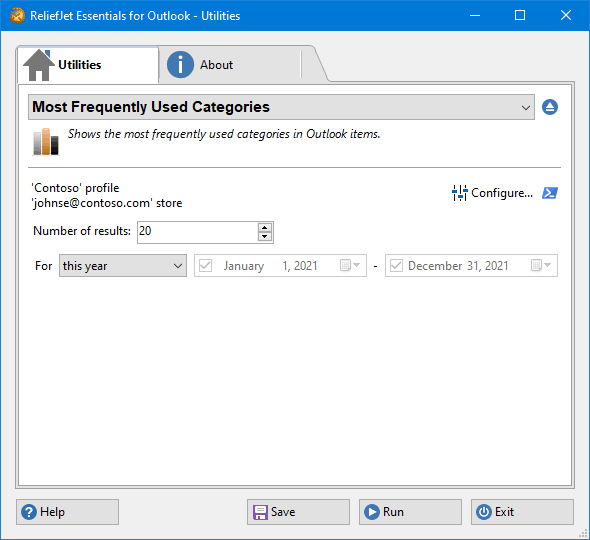 112. Most Frequently Used Categories
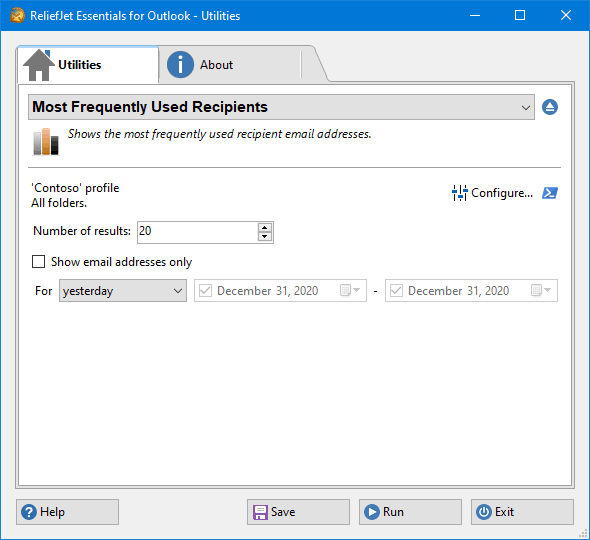 113. Most Frequently Used Recipients
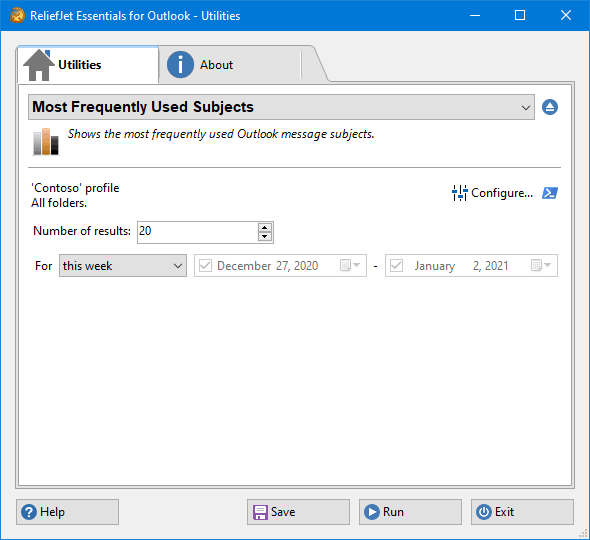 114. Most Frequently Used Subjects
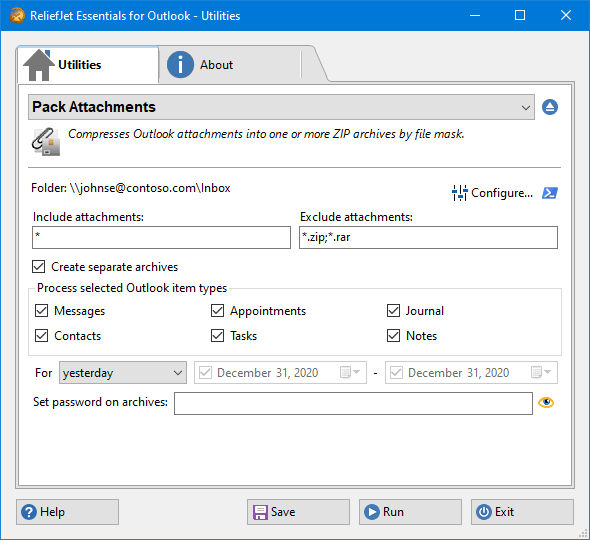 115. Pack Attachments
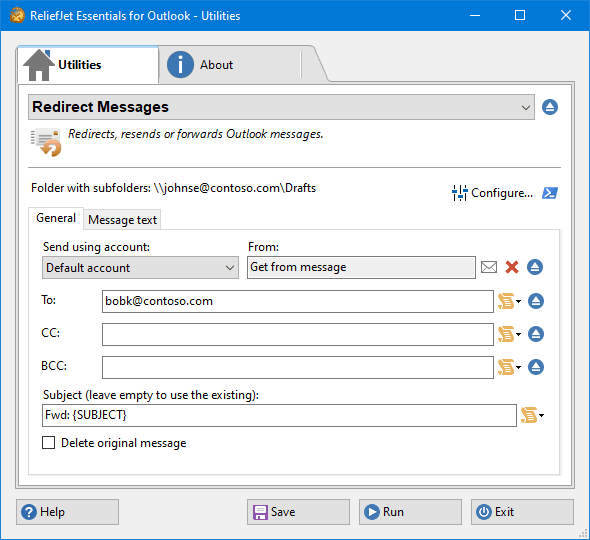 116. Redirect Messages
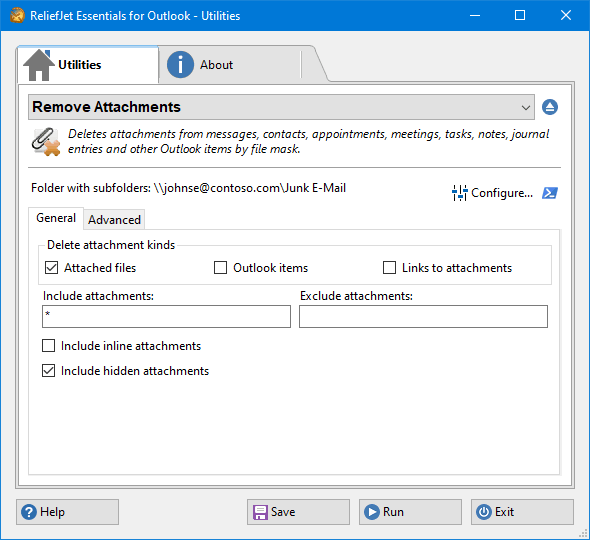 117. Remove Attachments
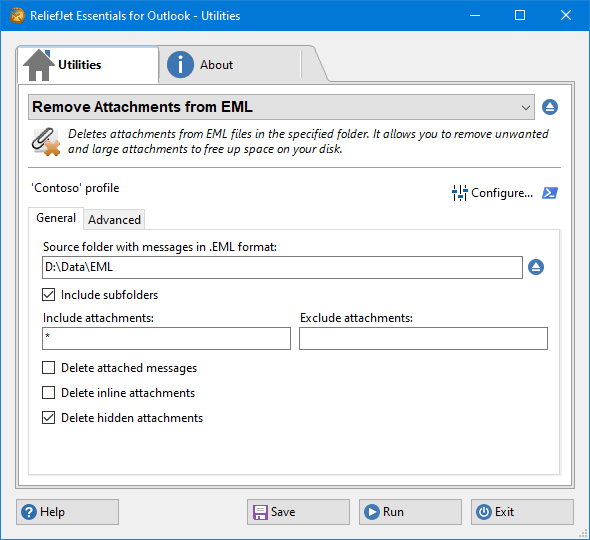 118. Remove Attachments from EML
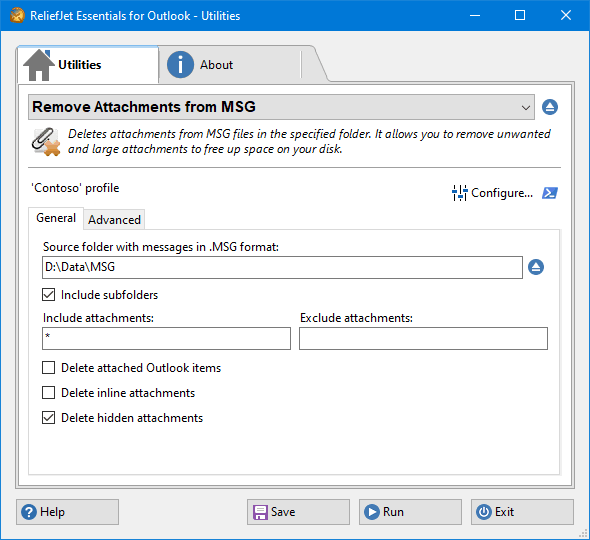 119. Remove Attachments from MSG
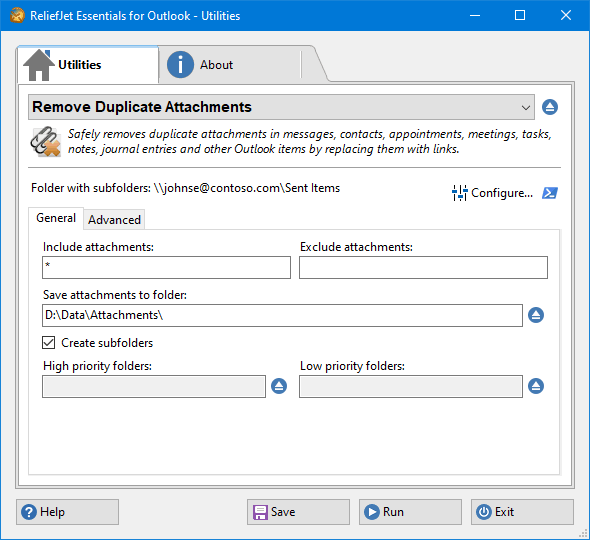 120. Remove Duplicate Attachments
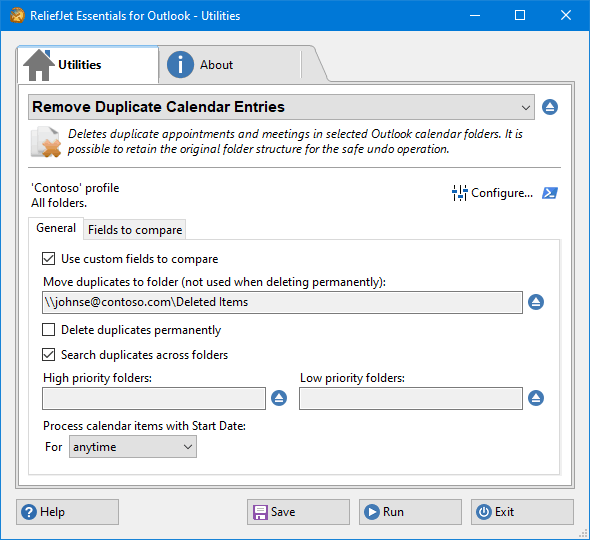 121. Remove Duplicate Calendar Entries
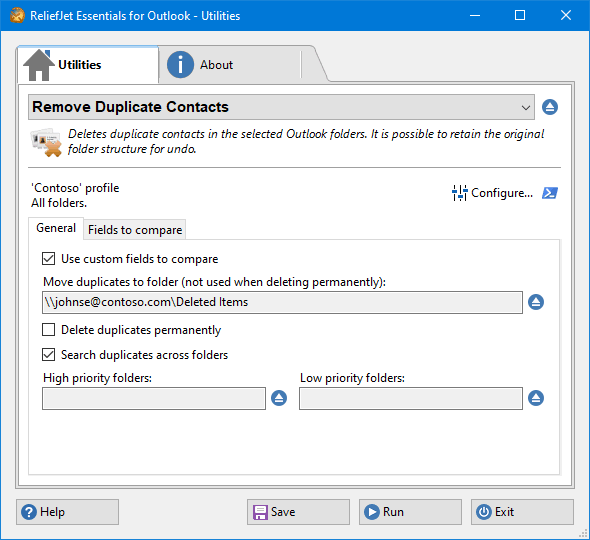 122. Remove Duplicate Contacts
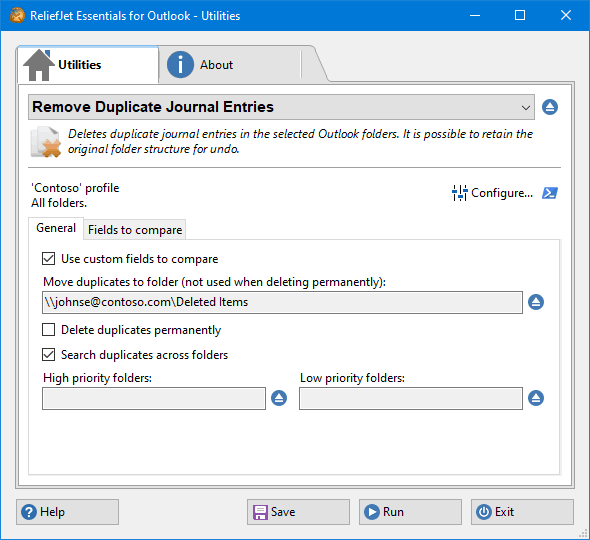 123. Remove Duplicate Journal Entries
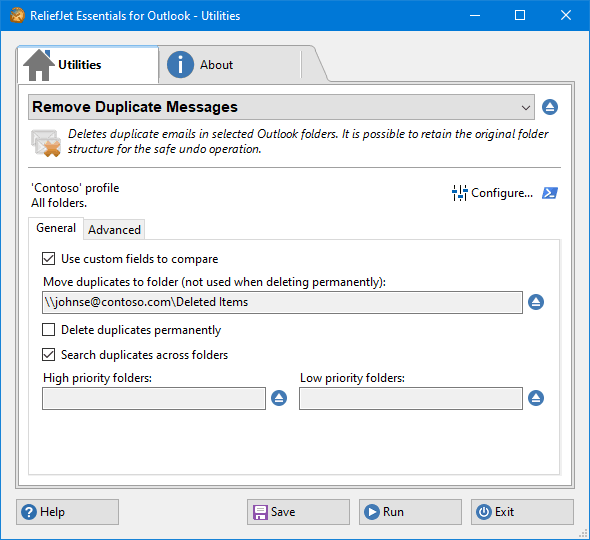 124. Remove Duplicate Messages
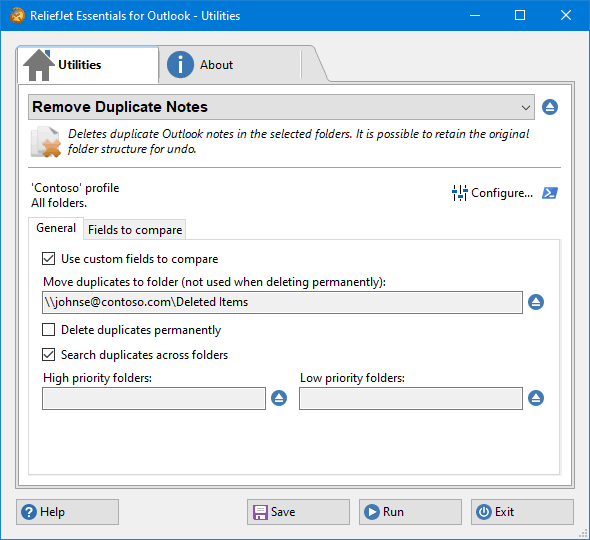 125. Remove Duplicate Notes
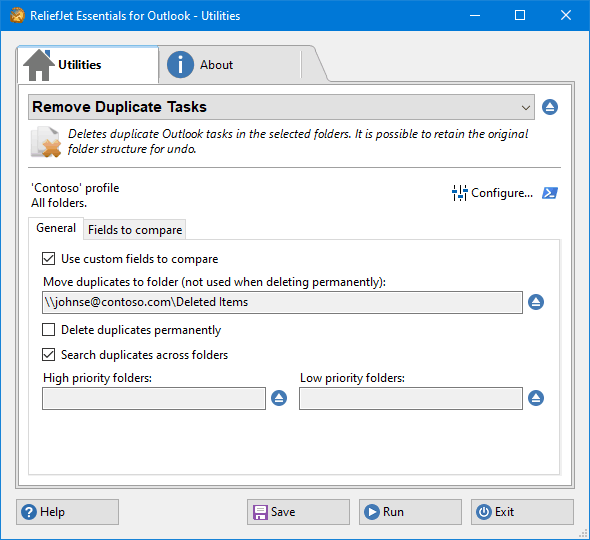 126. Remove Duplicate Tasks
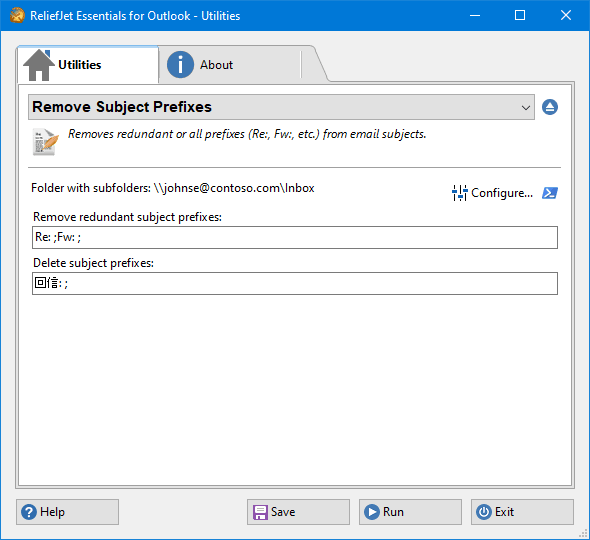 127. Remove Subject Prefixes
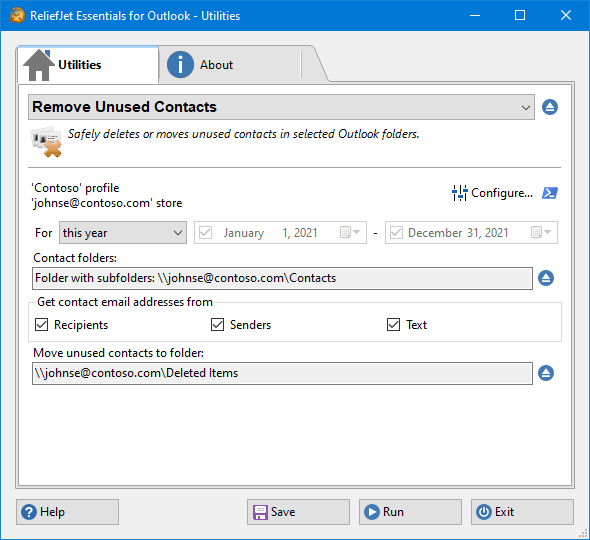 128. Remove Unused Contacts
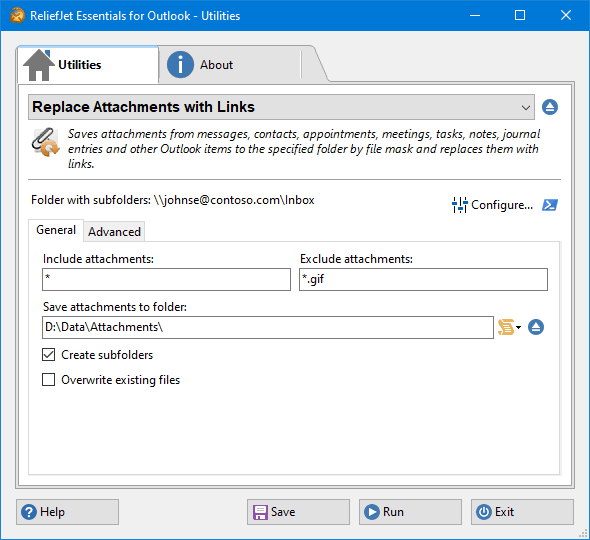 129. Replace Attachments with Links
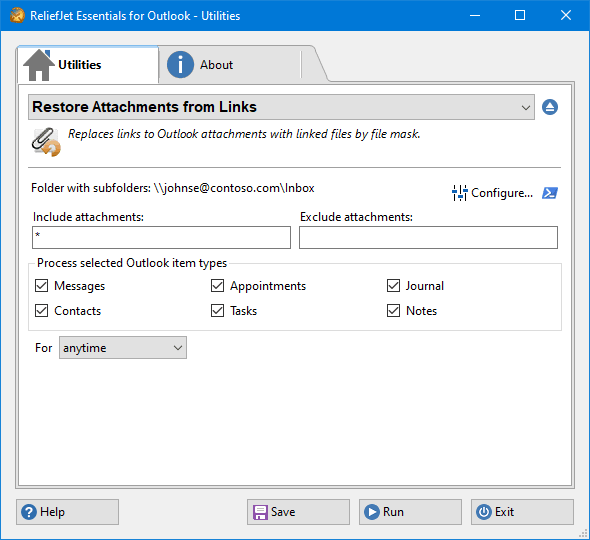 130. Restore Attachments from Links
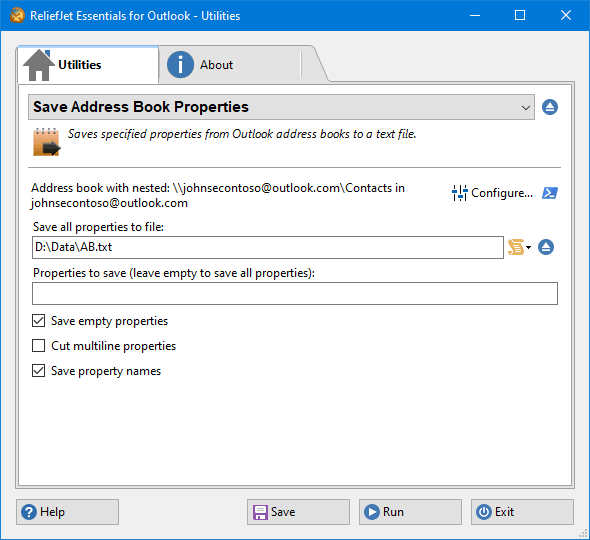 131. Save Address Book Properties
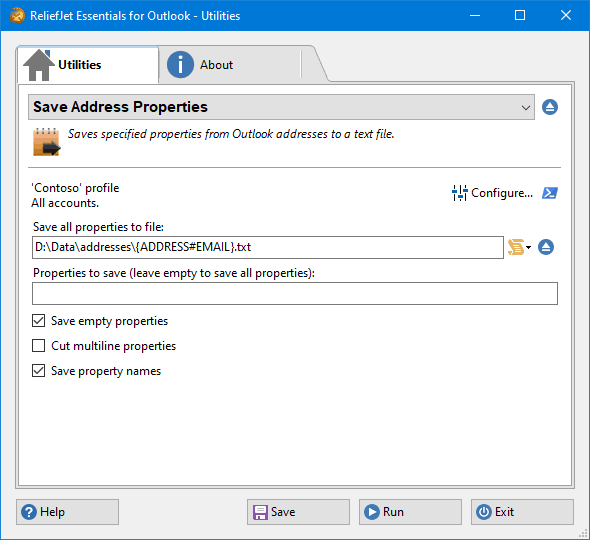 132. Save Address Properties
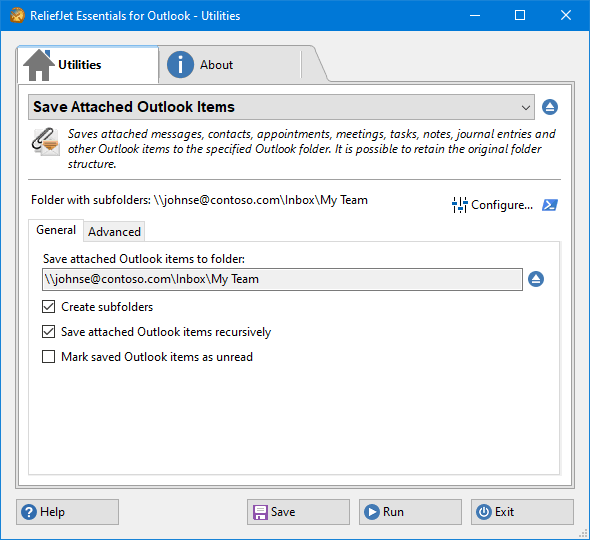 133. Save Attached Outlook Items
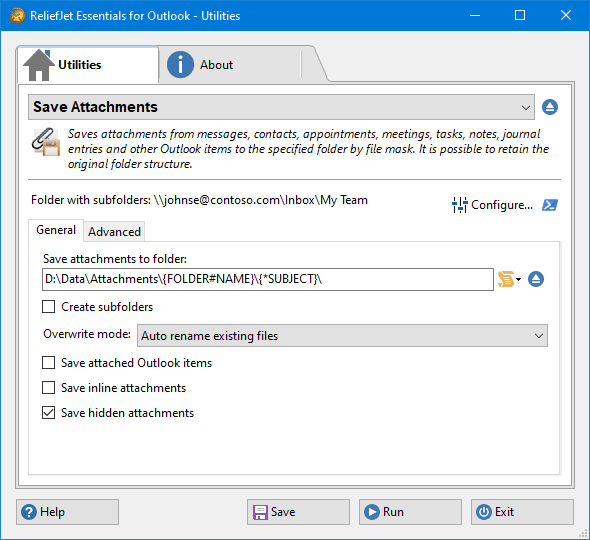 134. Save Attachments
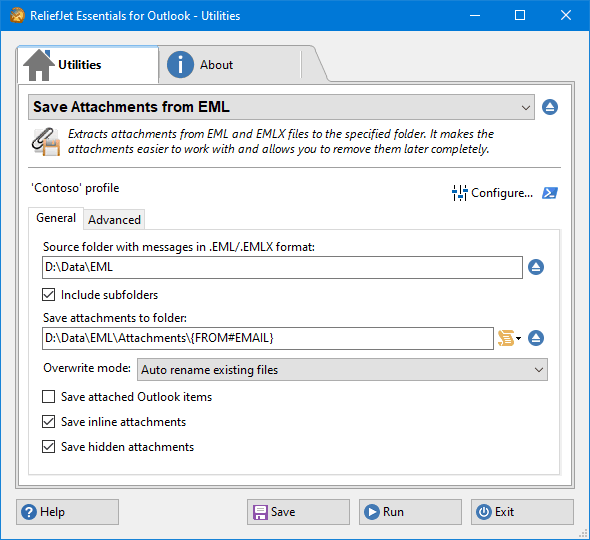 135. Save Attachments from EML
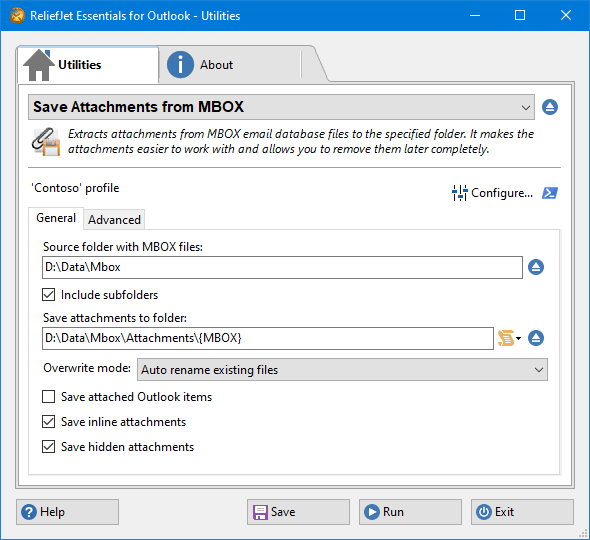 136. Save Attachments from MBOX
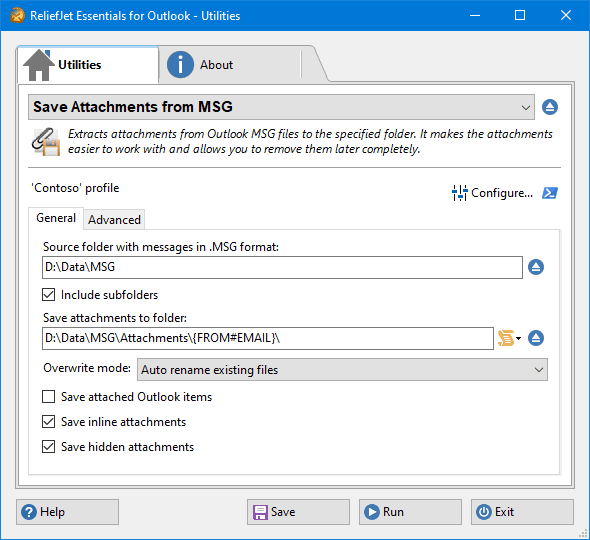 137. Save Attachments from MSG
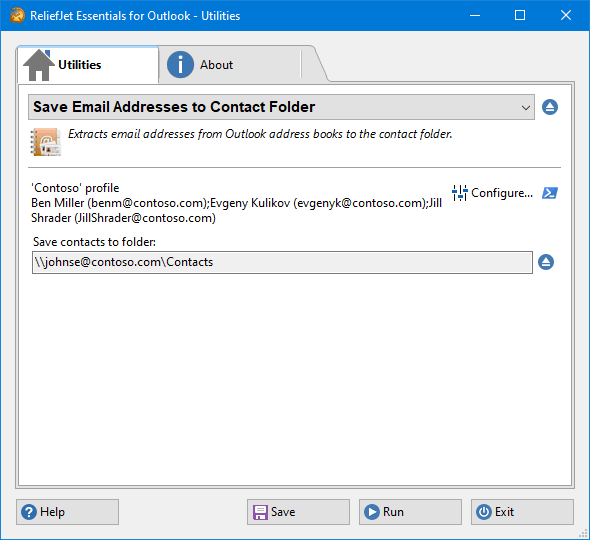 138. Save Email Addresses to Contact Folder
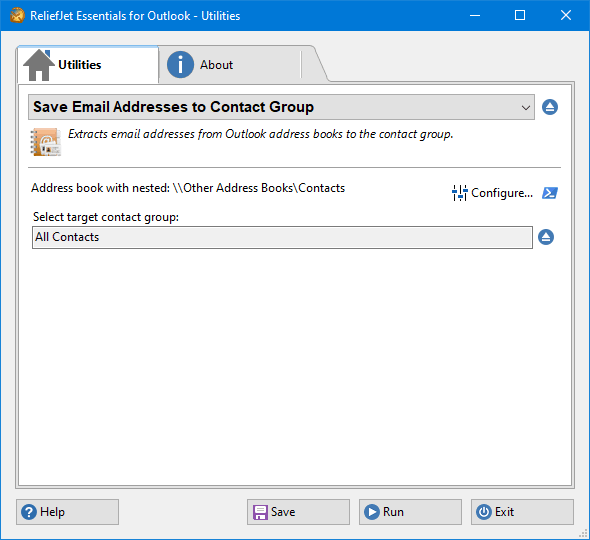 139. Save Email Addresses to Contact Group
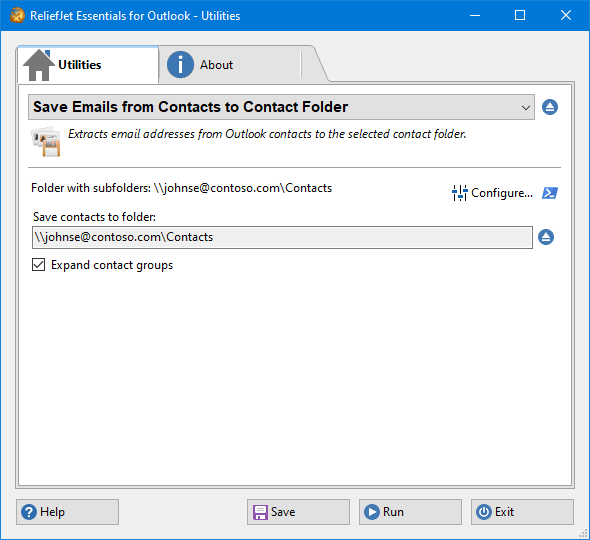 140. Save Emails from Contacts to Contact Folder
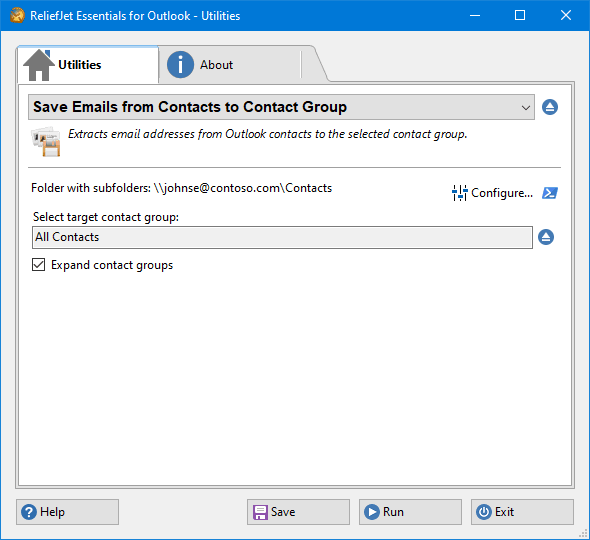 141. Save Emails from Contacts to Contact Group
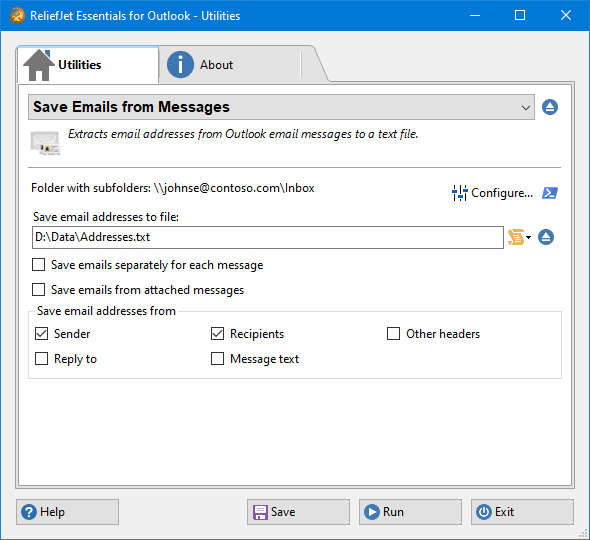 142. Save Emails from Messages
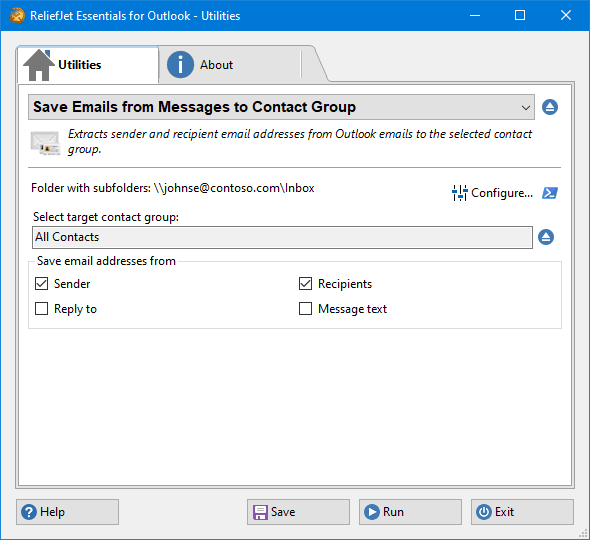 143. Save Emails from Messages to Contact Group
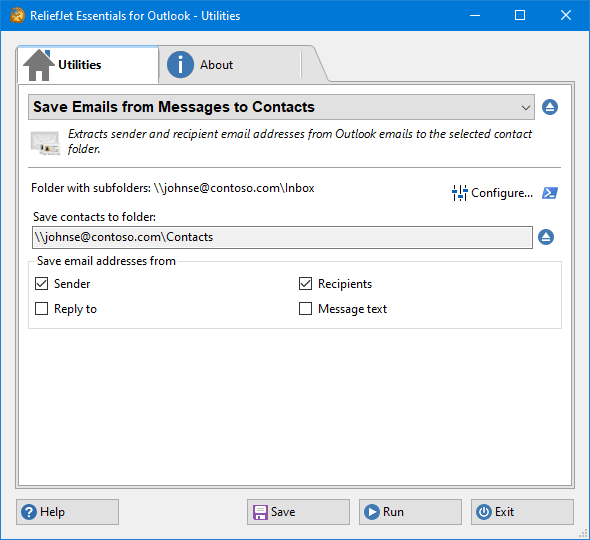 144. Save Emails from Messages to Contacts
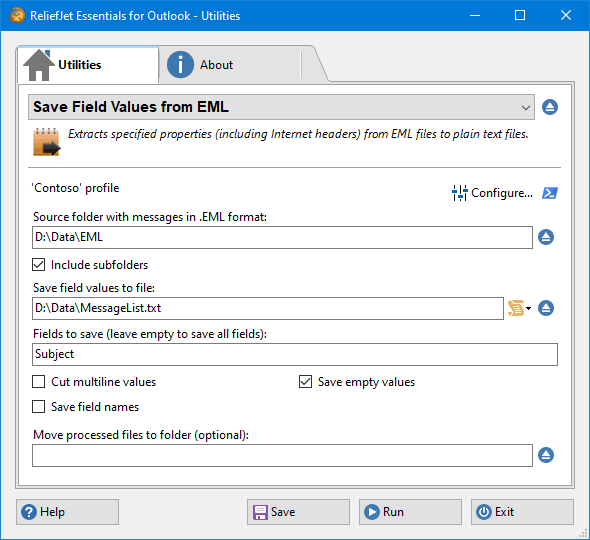 145. Save Field Values from EML
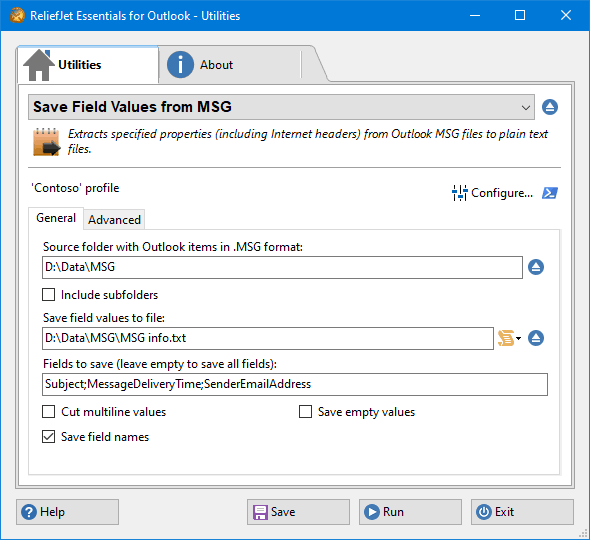 146. Save Field Values from MSG
 147. Save Folder Properties
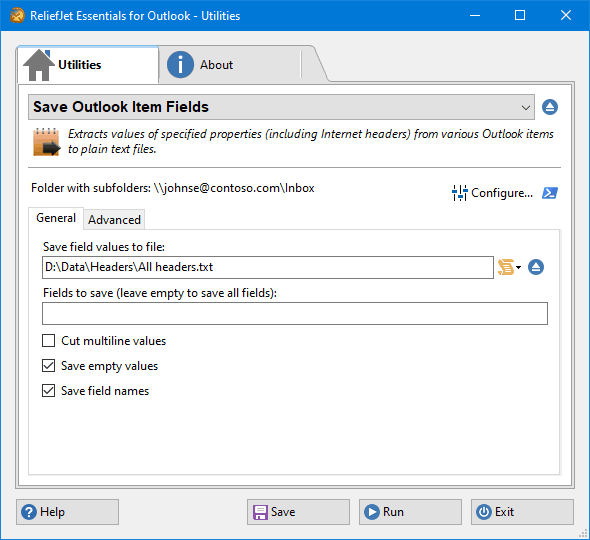 148. Save Outlook Item Fields
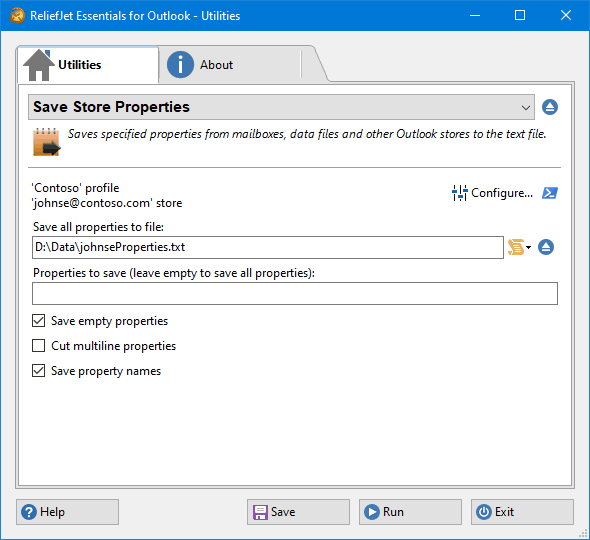 149. Save Store Properties
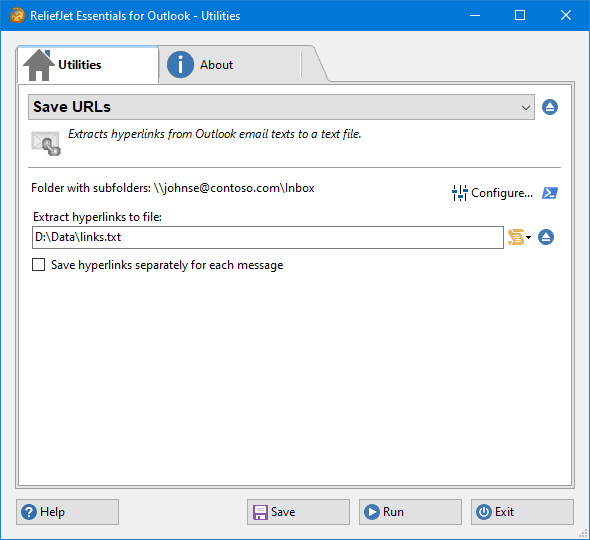 150. Save URLs
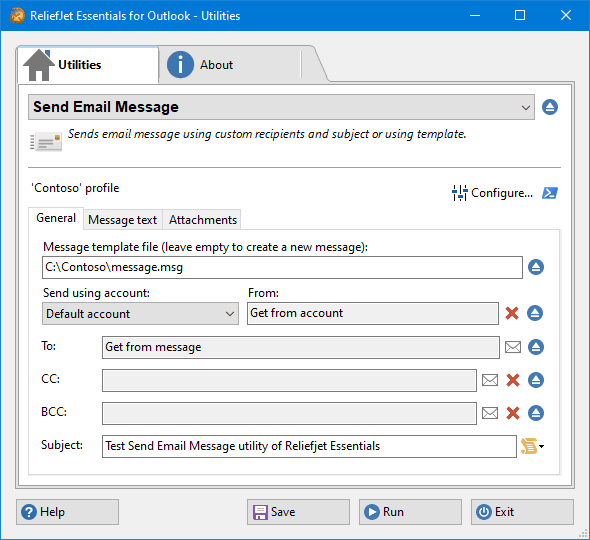 151. Send Email Message
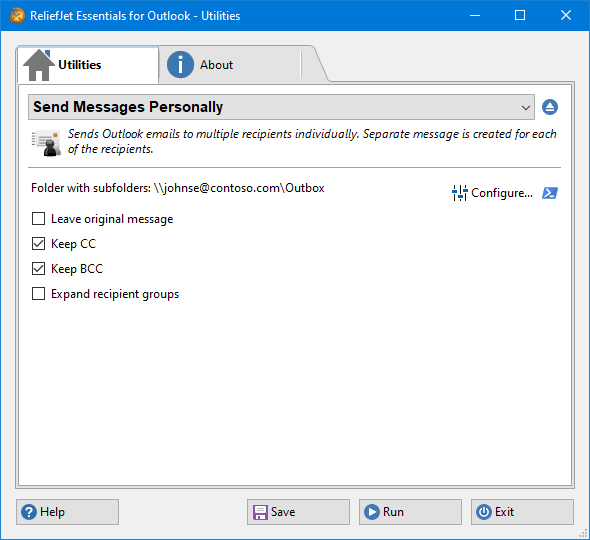 152. Send Messages Personally
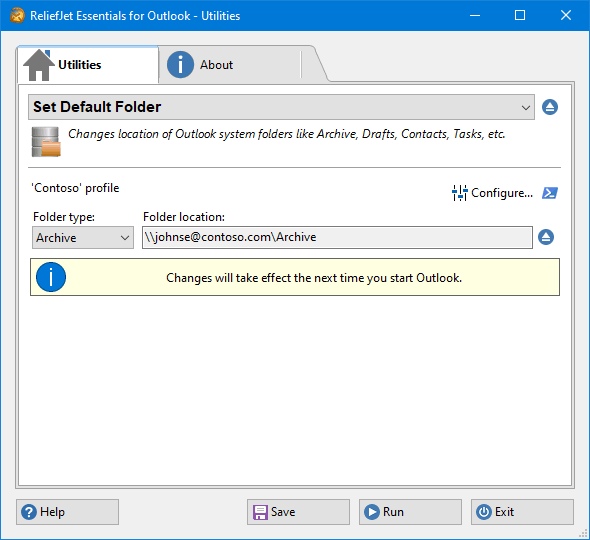 153. Set Default Folder
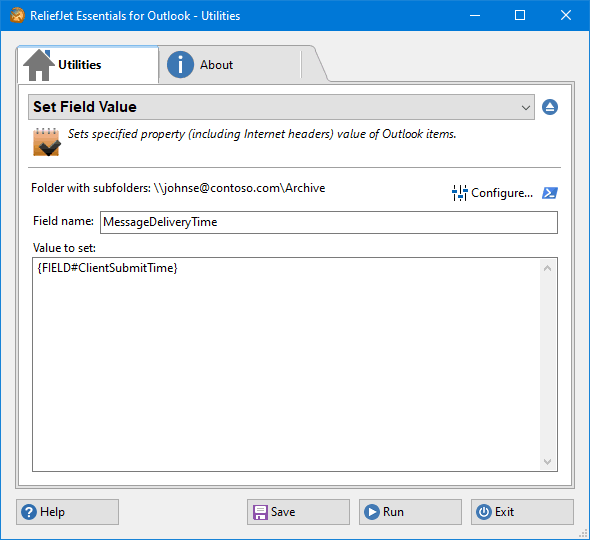 154. Set Field Value
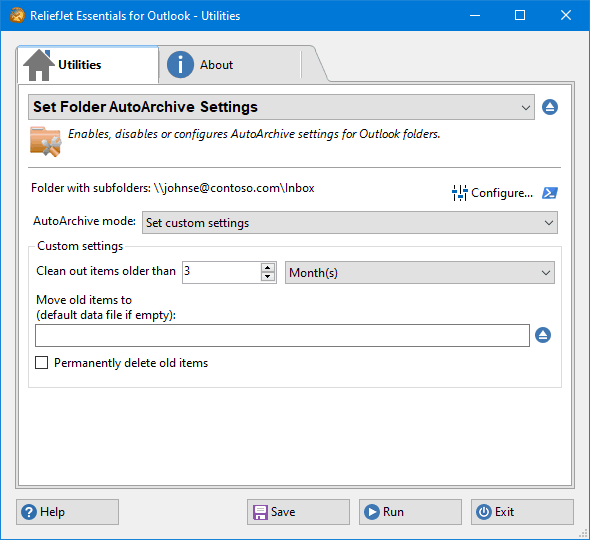 155. Set Folder AutoArchive Settings
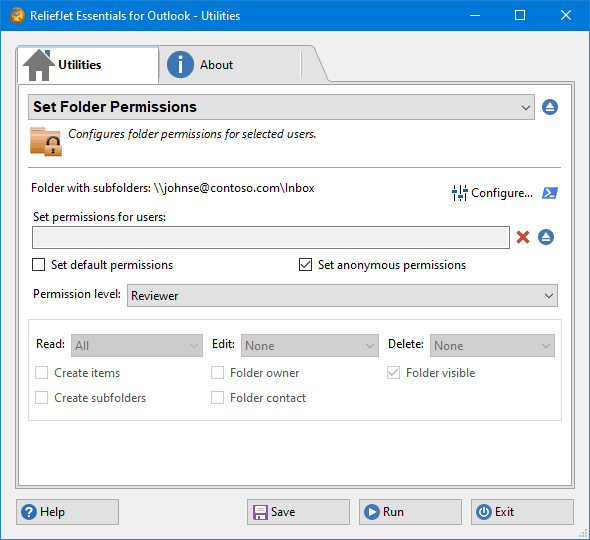 156. Set Folder Permissions
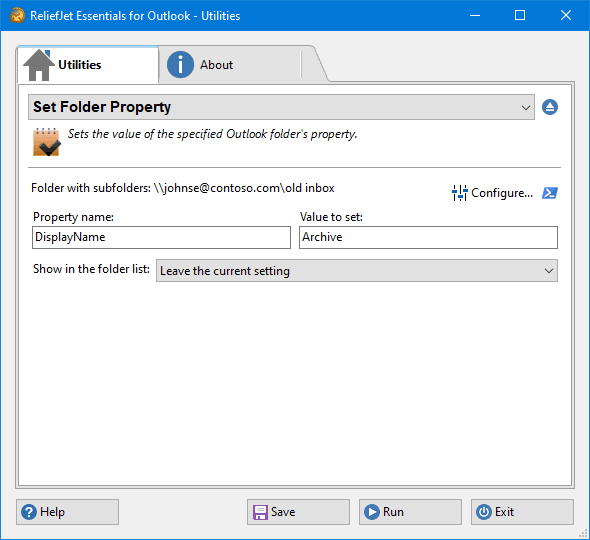 157. Set Folder Property
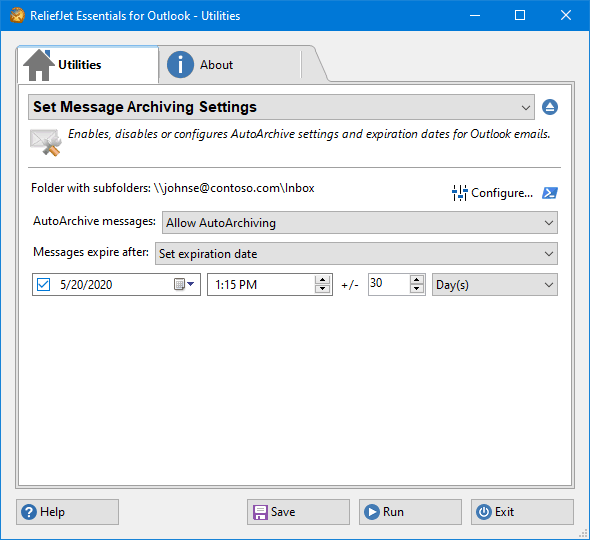 158. Set Message Archiving Settings
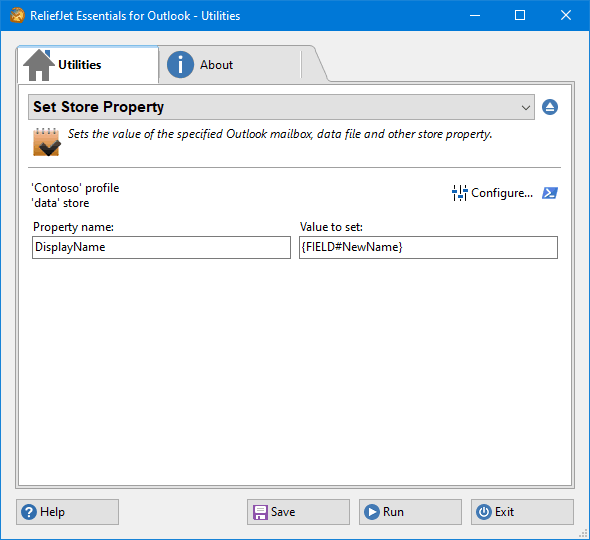 159. Set Store Property
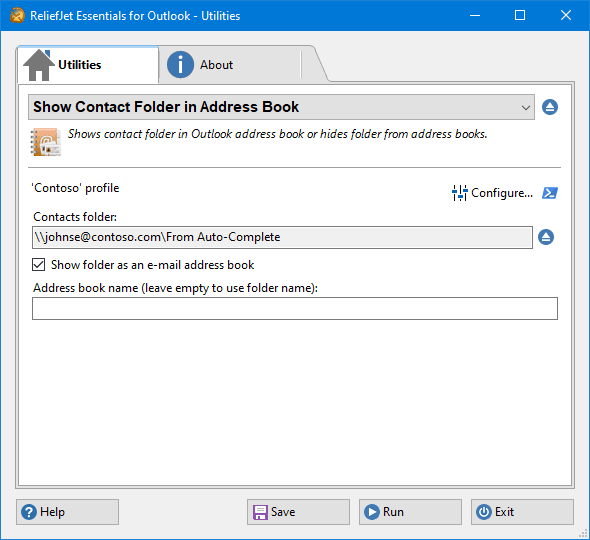 160. Show Contact Folder in Address Book
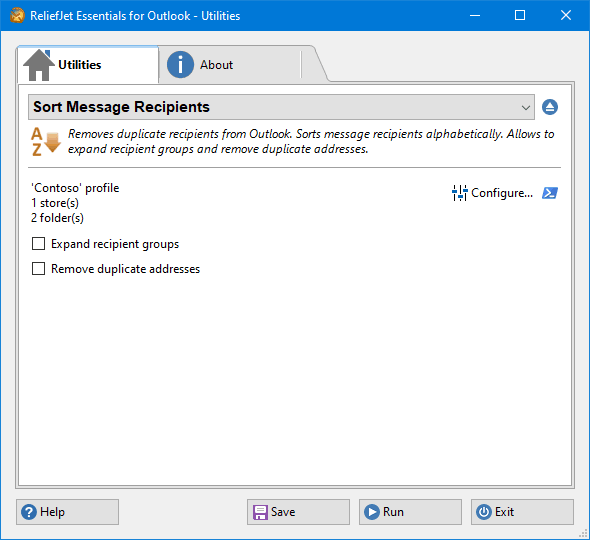 161. Sort Message Recipients
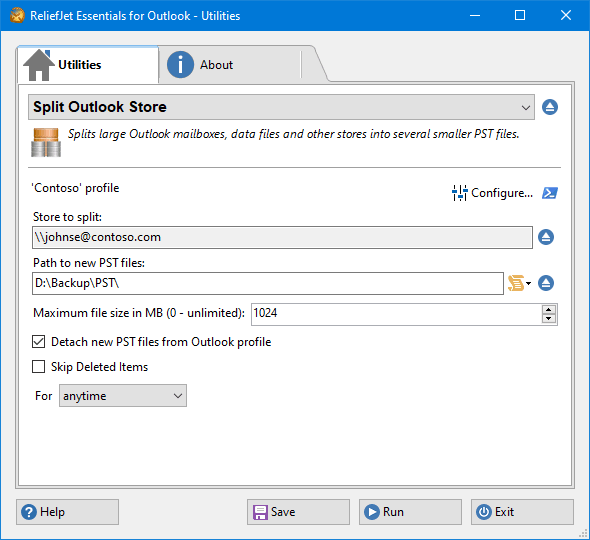 162. Split Outlook Store
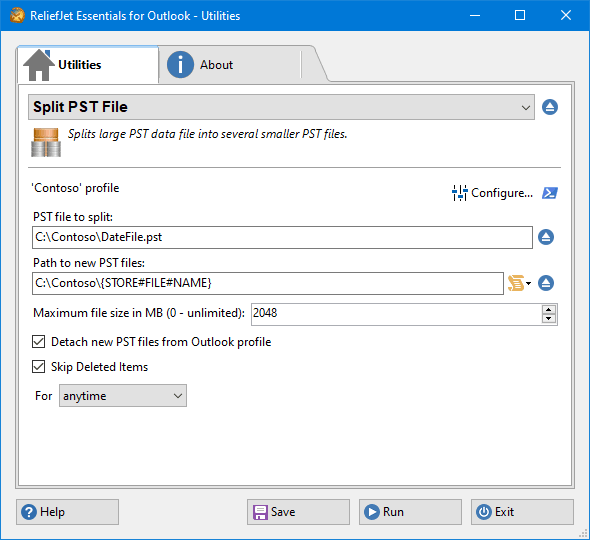 163. Split PST File
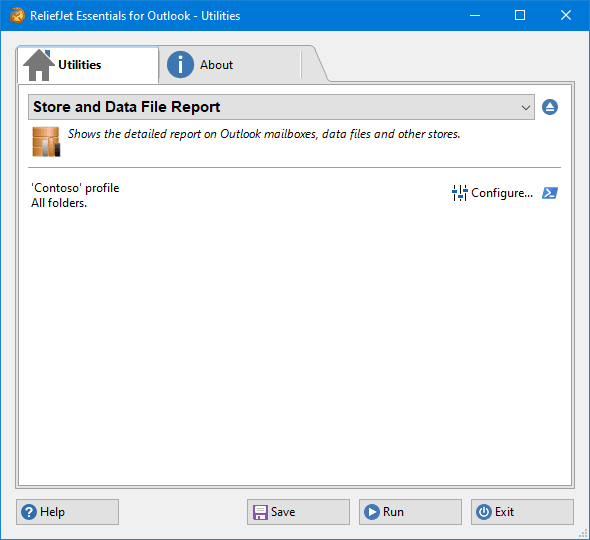 164. Store and Data File Report
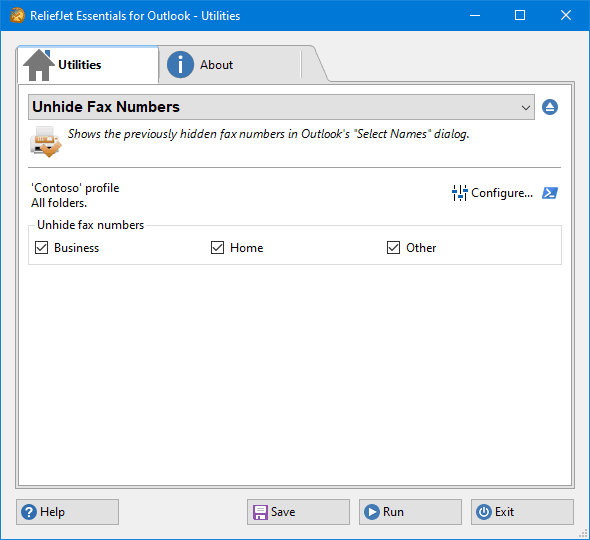 165. Unhide Fax Numbers
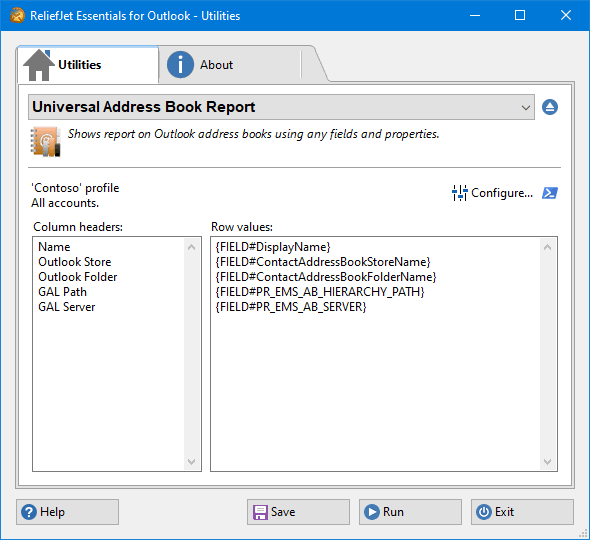 166. Universal Address Book Report
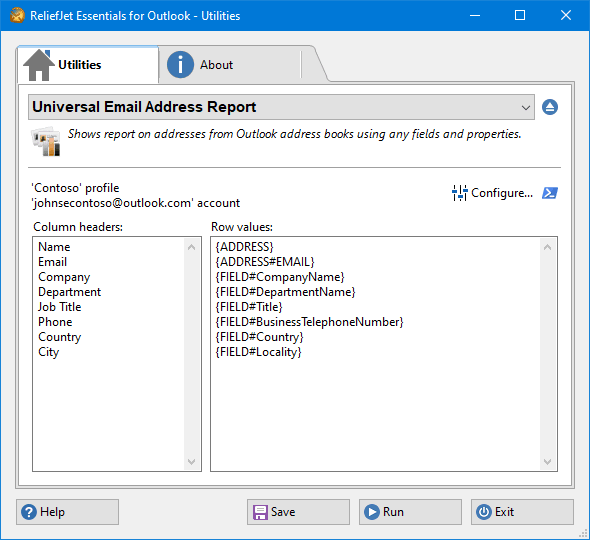 167. Universal Email Address Report
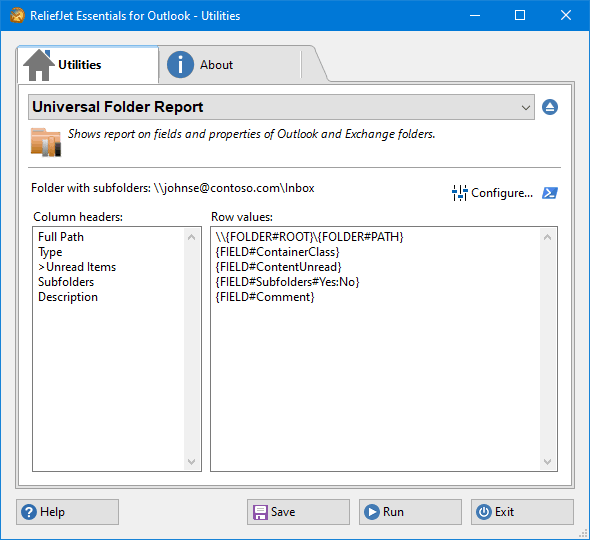 168. Universal Folder Report
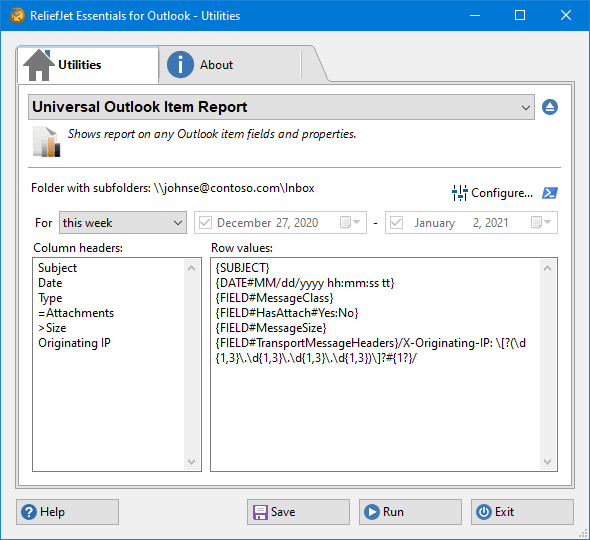 169. Universal Outlook Item Report
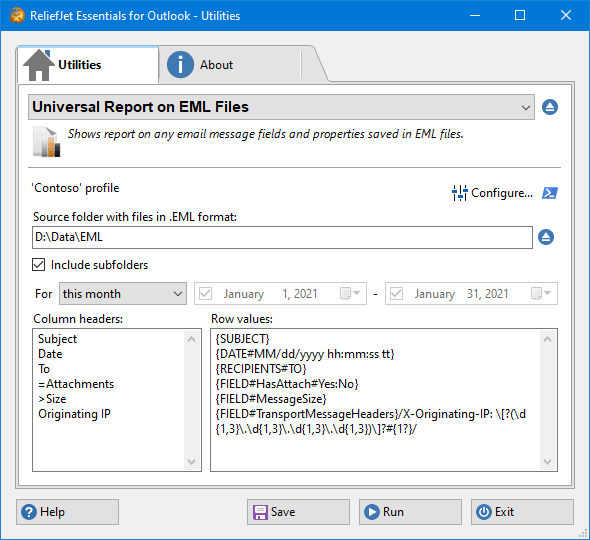 170. Universal Report on EML Files
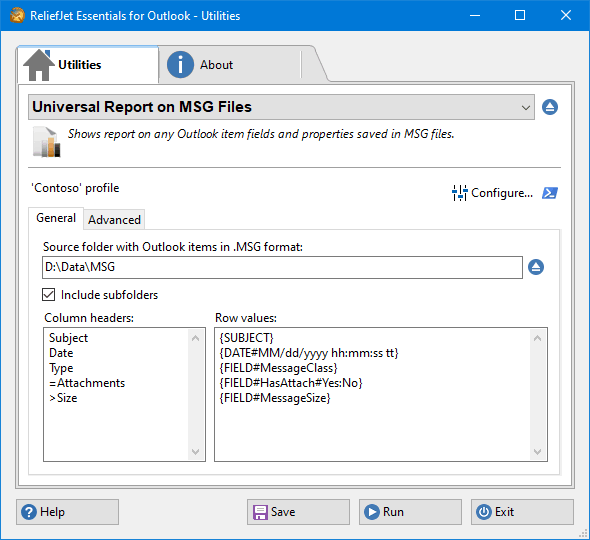 171. Universal Report on MSG Files
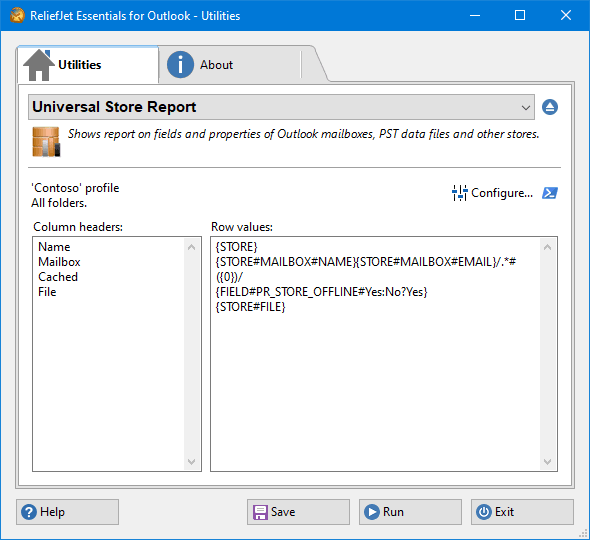 172. Universal Store Report
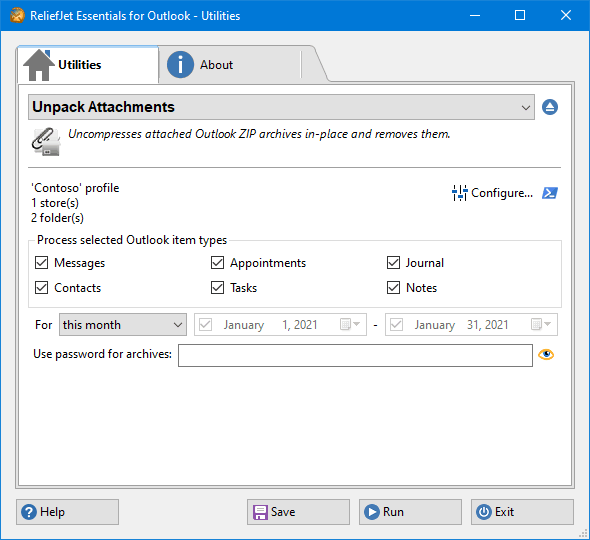 173. Unpack Attachments
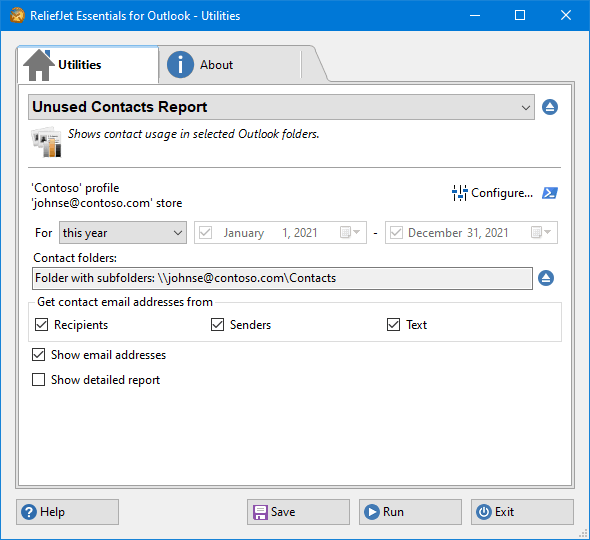 174. Unused Contacts Report
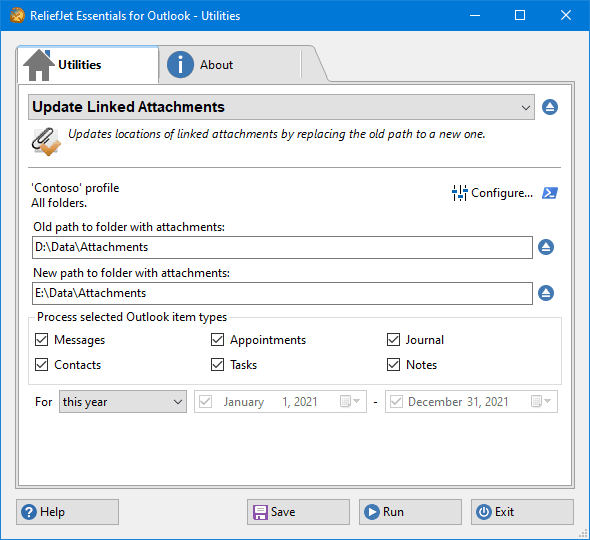 175. Update Linked Attachments
 RSS
RSS